
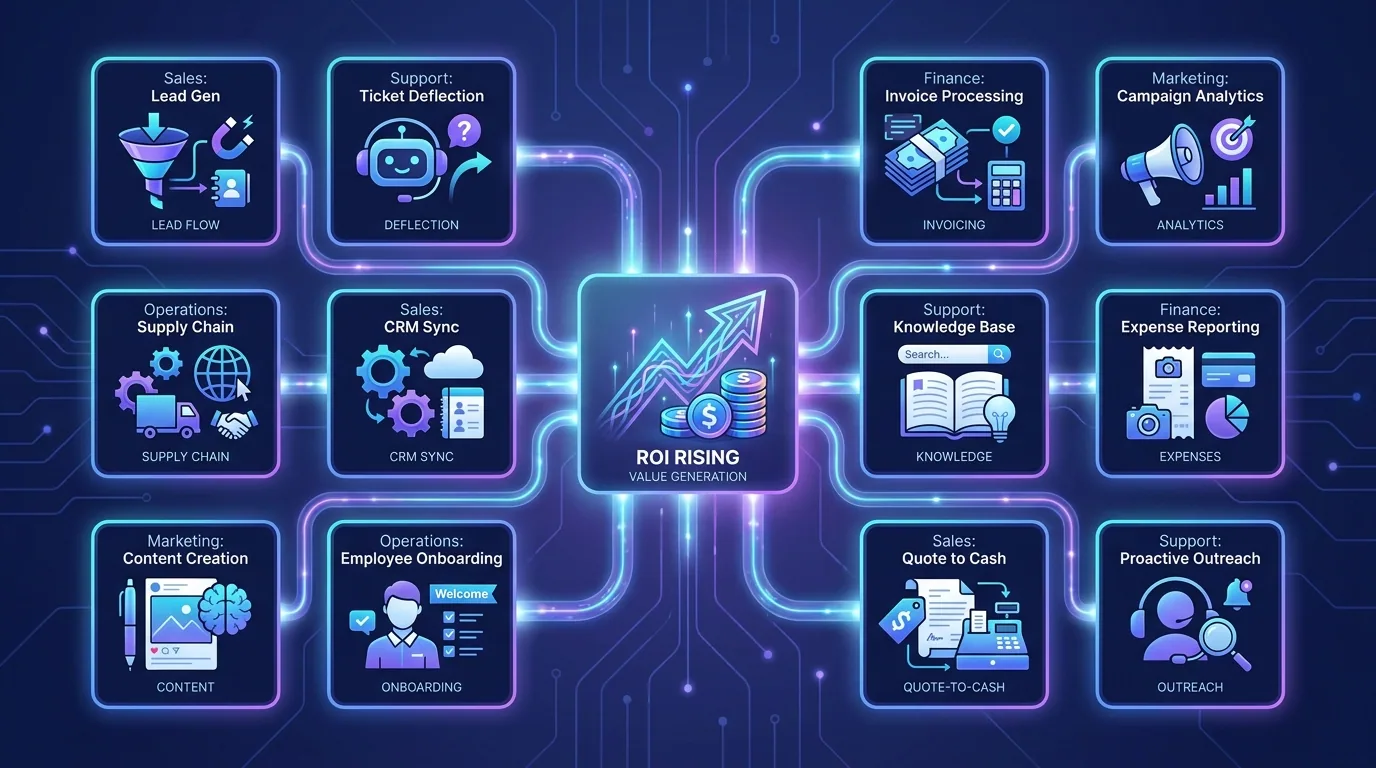
The highest-ROI AI automation use cases in 2026 share one trait: they target work that is frequent, repetitive, and currently done by a person moving information between screens. The fastest payback comes from automating lead follow-up, customer support triage, invoice processing, and report generation — workflows where saved hours convert directly into revenue or reclaimed capacity. Below are twelve proven examples, grouped by department, that consistently earn their keep.
These are not speculative ideas; they are the automations we deploy most often because they reliably return more than they cost. Pick the ones that match your biggest time sinks, automate one first, and measure the result. When you are ready to roll them out, our AI workflow team can build and maintain the lot.
How do you measure AI automation ROI?
AI automation ROI is simple to estimate: multiply the hours a task takes by how often it runs and the cost of the person doing it, then subtract the build and running cost of the automation. A workflow that saves five hours a week of skilled time pays for itself fast. But the full picture includes the gains that are harder to put on a spreadsheet — faster response times, fewer errors, and capacity freed for revenue work.
It is worth separating the two kinds of return so you can talk about them honestly. Hard ROI is the directly countable saving: hours of labour removed, fewer late-payment penalties, lower error-correction costs. Soft ROI is the value that is real but harder to measure: a customer who stays because you replied in two minutes instead of two days, or a salesperson who closes more because the busywork no longer eats their afternoon. The best automation cases win on hard ROI alone, then deliver the soft gains as a bonus you did not have to justify on the spreadsheet.
Which sales and marketing tasks should you automate?
Sales and marketing are where automation most directly touches revenue, which makes them the obvious place to start. Speed matters enormously here — being first to respond to a lead can decide the deal — and AI is tireless about it. A lead that hears back within five minutes is dramatically more likely to convert than one that waits an hour, and no human team can hit that window consistently across nights, weekends, and busy spells. Automation simply does.
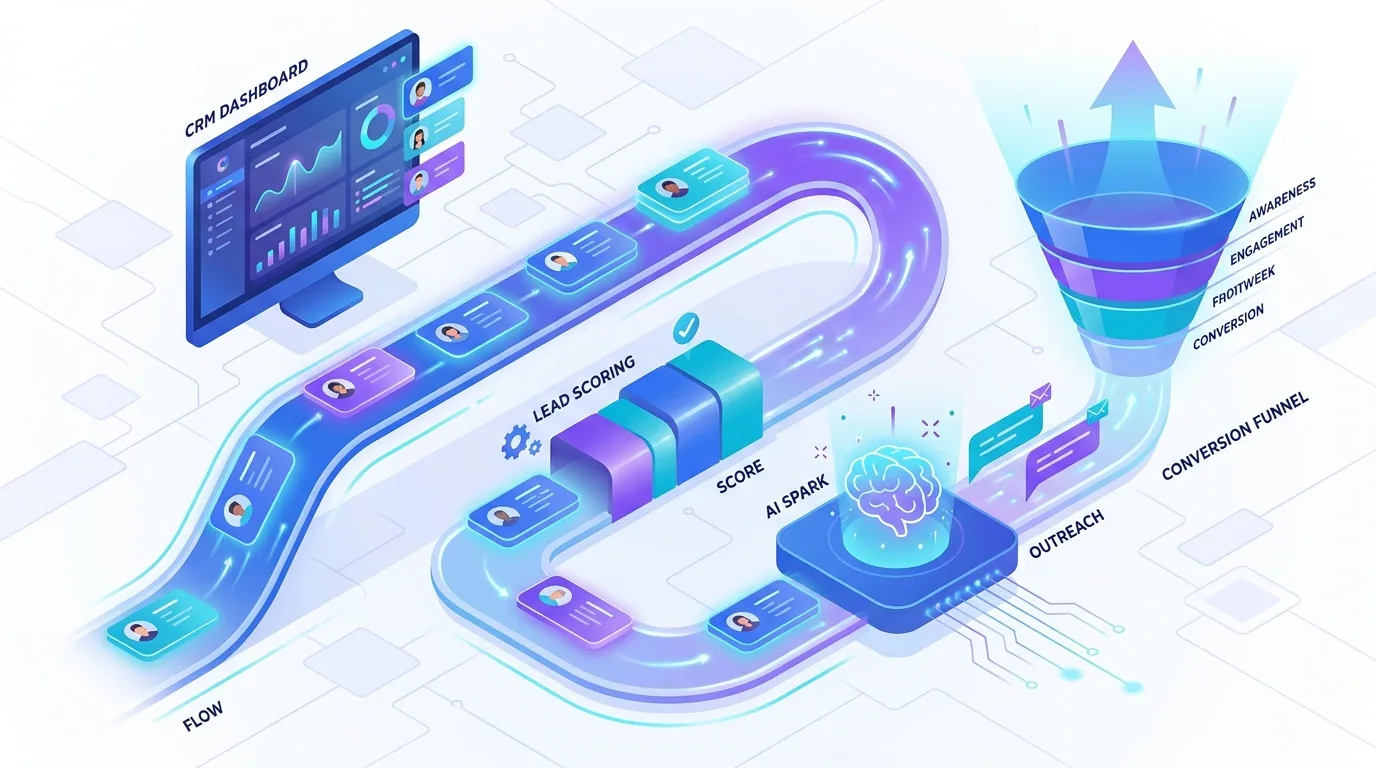
- Instant lead follow-up: capture, enrich, score, and reply to every inbound lead in seconds — see our lead qualification bot guide.
- Personalised outreach at scale: draft tailored emails from prospect data while a human approves the send.
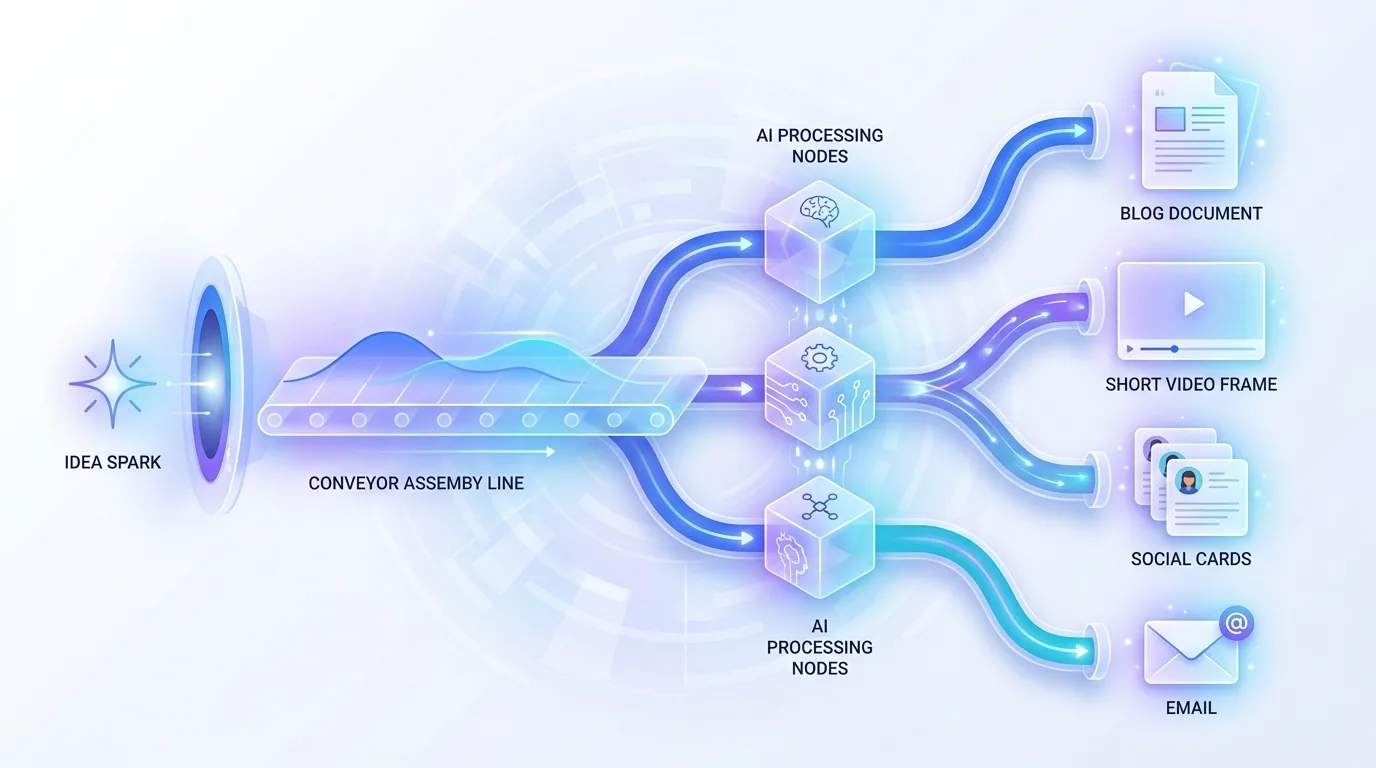
- Content repurposing: turn one article or video into social posts, summaries, and a newsletter automatically.
- Review and reputation management: monitor reviews, draft responses, and flag the ones that need a human touch.
Which customer support tasks deliver the best ROI?
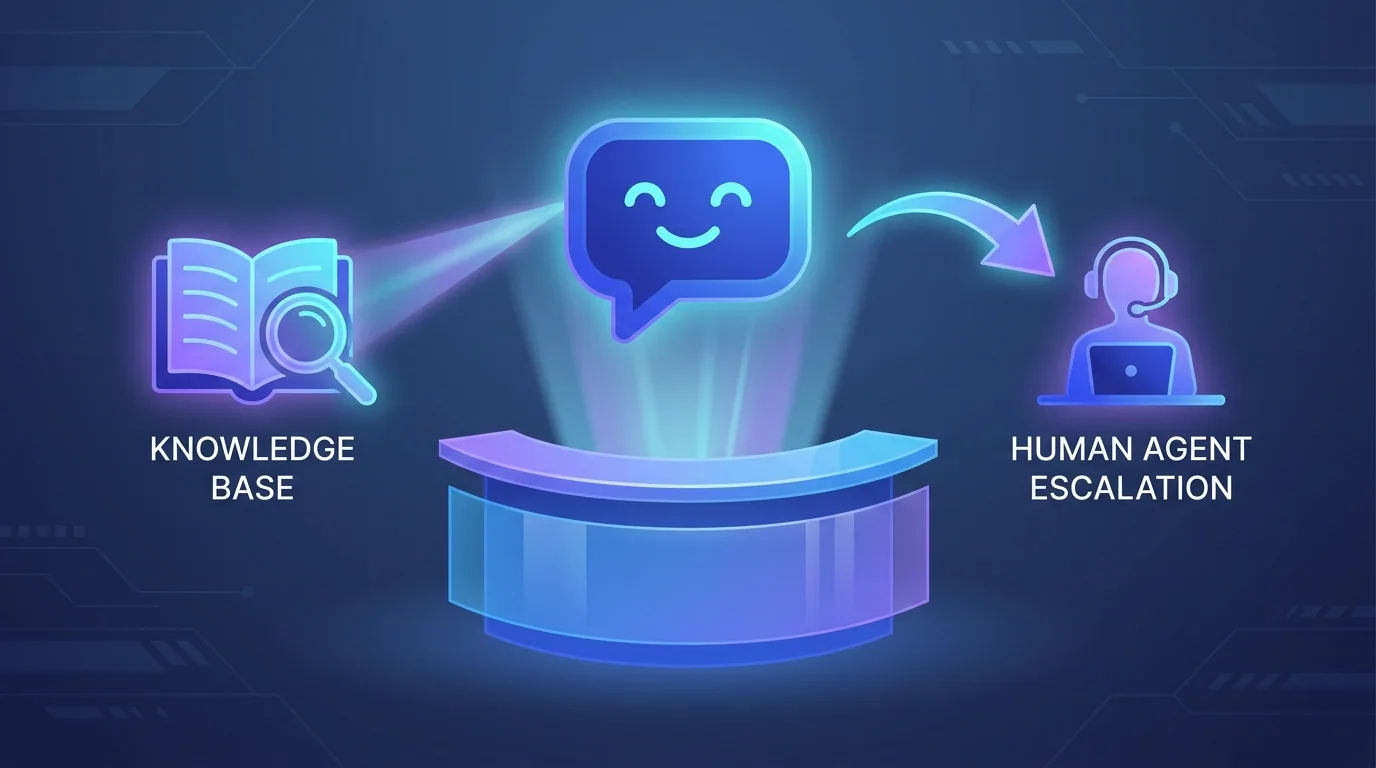
Support is a goldmine for automation because the volume is high and much of it is repetitive. AI handles the routine instantly and escalates the rest, so your team focuses on the conversations that genuinely need a person. The payoff is faster responses and a calmer team. There is a quality dividend too: when agents are not buried under password resets and order-status questions, the harder tickets get the attention and patience they deserve, and customer satisfaction tends to climb rather than fall.
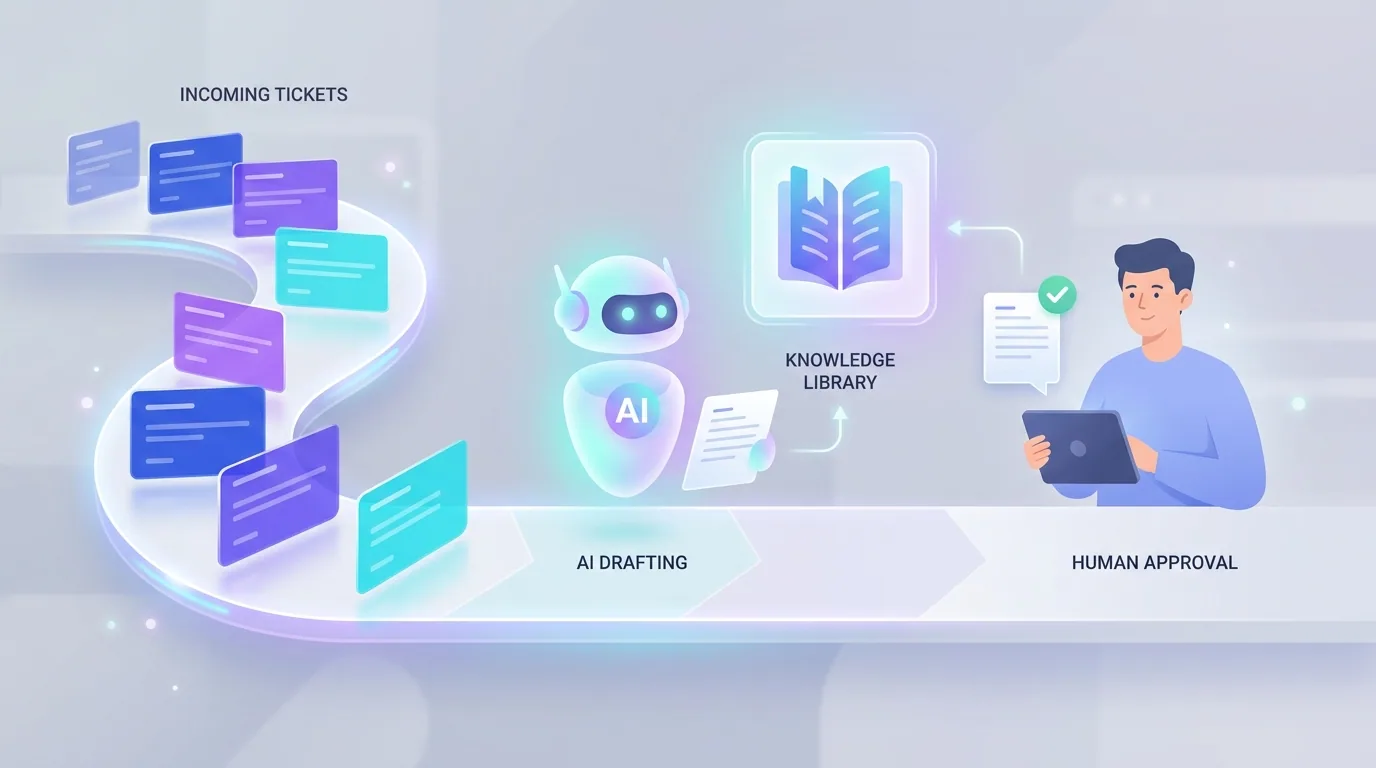
- Ticket triage and routing: classify every incoming message, set priority, and send it to the right person or queue.
- Knowledge-base answers: a RAG-powered agent answers common questions from your real help docs, with citations.
- Draft-and-approve replies: AI writes a suggested response from past tickets; an agent edits and sends in one click.
- Proactive status updates: detect order or account events and notify customers before they have to ask.
Which finance and operations workflows save the most time?
Back-office work is unglamorous but enormously expensive in human hours, and it is exactly the kind of rules-based, document-heavy task modern AI handles well. These automations rarely make the highlight reel, yet they often deliver the cleanest ROI because the time saved is so easy to count. They also reduce the costly errors that creep in when a tired person keys numbers by hand at the end of a long day — a single mis-entered invoice can take longer to find and fix than the original task ever took to do.
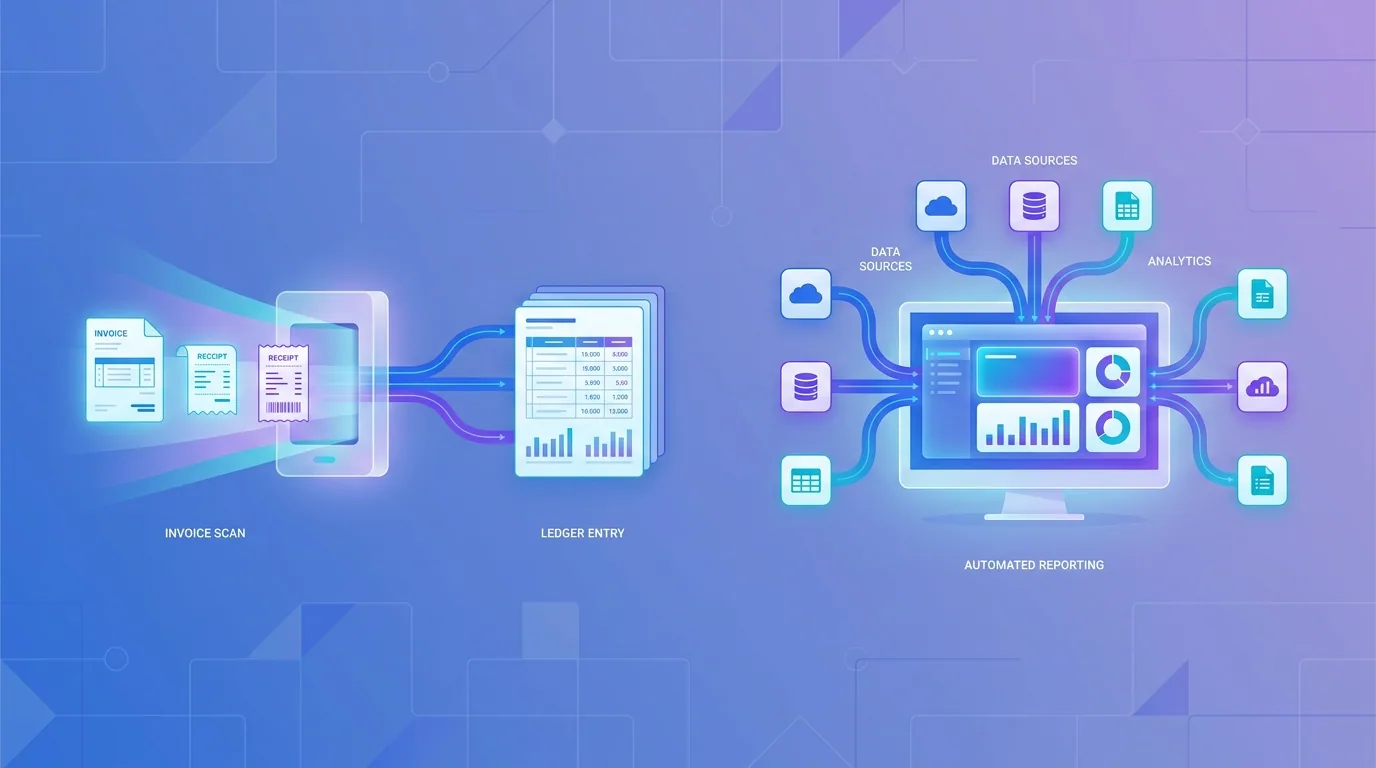
- Invoice and receipt processing: extract data from documents, validate it, and post it to your accounting system.
- Automated reporting: pull numbers from every tool into a single dashboard or weekly summary, no copy-paste.
- Onboarding and offboarding: trigger the full checklist of account, access, and document steps when someone joins or leaves.
- Document generation: assemble contracts, proposals, and quotes from templates and live data on demand.
That is the full twelve: four in sales and marketing, four in support, and four in finance and operations. Each one targets a frequent, repetitive task — which is precisely why the returns are reliable rather than speculative.
How should you keep humans in the loop?
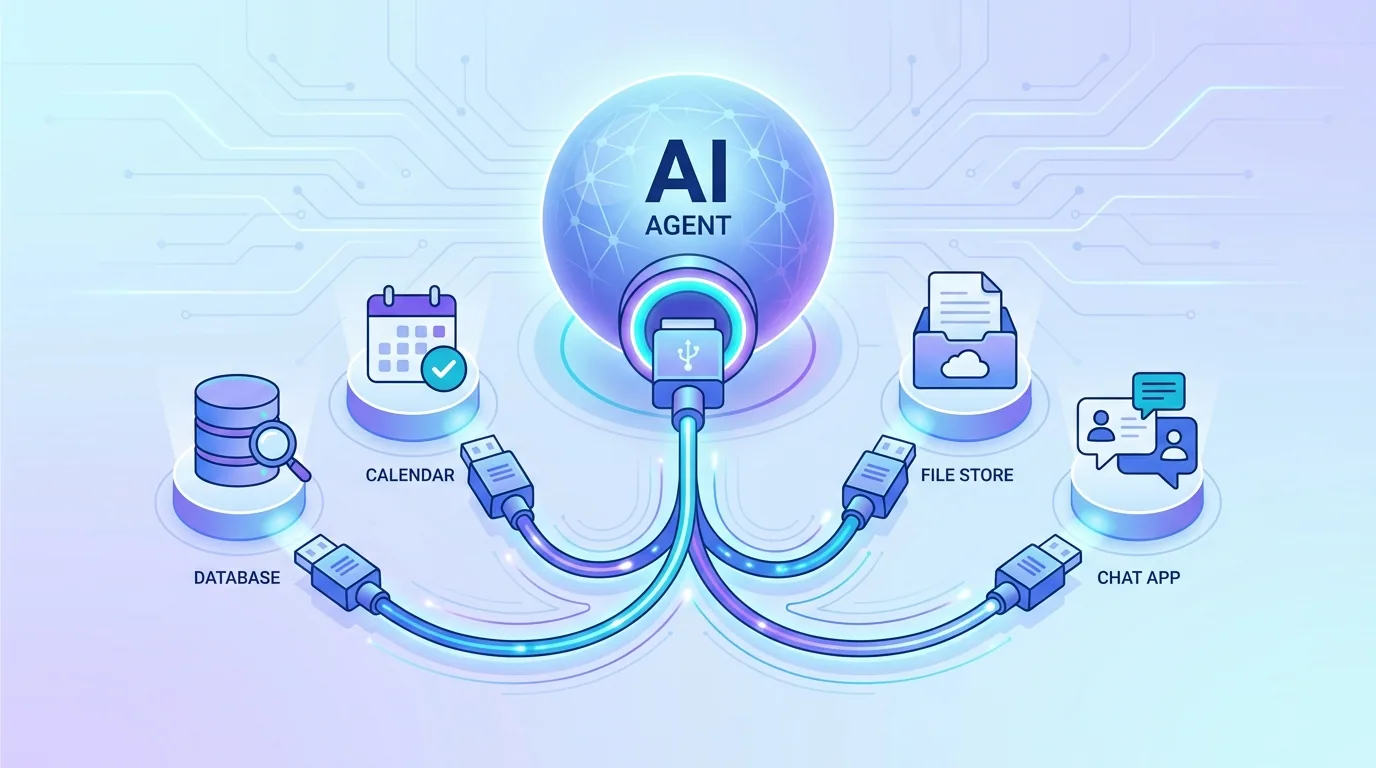
Every high-ROI automation above runs better with a human-in-the-loop approval gate on its risky steps. Let the AI do the research, drafting, and data movement, then have a person approve before money moves, a contract sends, or a public message posts. This is how you automate aggressively without ever fearing an embarrassing or costly mistake on autopilot.
The best automations are not the ones that remove people — they are the ones that put human judgement exactly where a mistake would be expensive, and nowhere else.
— Priya Nair, AI Solutions Architect, Fryntavo
How do you prioritise which use case to build first?
Do not try to build all twelve at once. Score each candidate on three things — how many hours it would save, how often the task runs, and how risky it is to get wrong — and start with the highest-value, lowest-risk option. Prove the ROI on one workflow, bank the credibility, then reinvest the saved time into the next build.
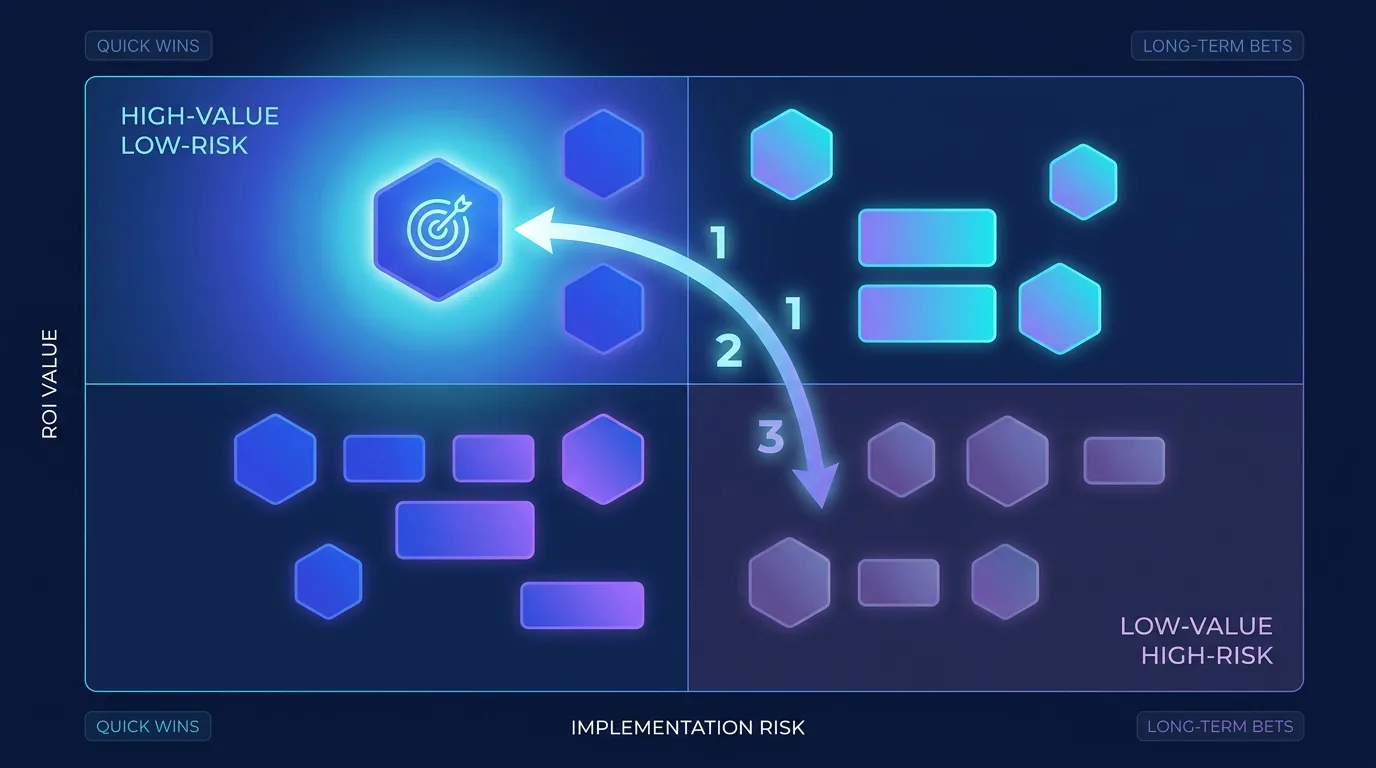
This sequencing matters as much as the use cases themselves. A business that ships one solid automation and measures the win builds the momentum and the budget to ship ten more. A business that tries to boil the ocean usually stalls. Start focused, measure honestly, and let proven ROI fund the expansion.
The bottom line on AI automation use cases
The twelve use cases here work because they target frequent, repetitive, rules-based work where saved hours turn straight into value. Measure ROI as hours saved against run cost, keep a human gate on the risky steps, and build the highest-value, lowest-risk workflow first. Whether your biggest drain is lead follow-up, support tickets, or invoice processing, there is a proven automation here that will pay for itself well inside ninety days.
Want us to identify your three highest-ROI automations and build them with you? Tell us where your team loses the most time and we will map the fastest payback.
Get Your ROI RoadmapFrequently asked questions
What are the highest-ROI AI automation use cases for 2026?
The fastest payback comes from automating lead follow-up, customer support triage, invoice and receipt processing, and automated reporting. These workflows are frequent, repetitive, and rules-based, so the hours they save convert directly into revenue or reclaimed capacity.
How do I calculate the ROI of an AI automation?
Multiply the hours a task takes by how often it runs and the loaded cost of the person doing it, then subtract the build and running cost of the automation. If the monthly value beats the monthly run cost within the first quarter, the automation is worth building.
How long until an AI automation pays for itself?
High-ROI workflows typically pay back in under ninety days, with many returning around five times their cost in the first year. The exact timeline depends on how frequent and time-consuming the task is, but well-chosen automations recover their cost quickly.
Which department should automate first?
Start wherever your team loses the most repetitive hours, but sales, marketing, and customer support often show ROI fastest because they touch revenue and response speed directly. Score each candidate by hours saved, frequency, and risk, then build the highest-value, lowest-risk option first.
Can small businesses get ROI from AI automation?
Yes, often more than large ones, because every saved hour matters more on a small team. Starting with a single high-frequency task like lead follow-up or invoice processing usually delivers measurable returns within weeks using affordable no-code platforms.
Do I need to keep a human in the loop?
For risky steps, yes. A human-in-the-loop approval gate lets a person confirm before money moves, a contract sends, or a public message posts. This lets you automate aggressively while keeping the risk of a costly mistake very low.
What is a good example of a finance automation?
Invoice and receipt processing is a standout example. AI extracts the data from each document, validates it, and posts it to your accounting system, eliminating hours of manual entry. The time saved is easy to count, which makes the ROI especially clear.
How many automations should I build at once?
Build one at a time, at least to start. Ship a single high-value, low-risk workflow, measure the result, and use the saved time and credibility to fund the next. Trying to build everything at once usually stalls, while focused sequencing compounds steadily.
Ready to put this into action?
Fryntavo helps brands grow with web development, SEO, marketplace management, and AI automation. Book a free, no-obligation strategy call.
Book a Free Strategy Call