
The fastest way for a small business to start with AI automation in 2026 is to pick one repetitive, rules-based task that eats hours every week — lead follow-up, invoice chasing, or data entry — and automate just that one thing first. Prove the time saving, build trust in the process, then expand. You do not need a developer, a big budget, or an AI strategy deck; you need a single annoying task and an afternoon.
Small teams have the most to gain from automation because every hour matters more when there are fewer of you. Below is the exact, low-risk roadmap we use to help small businesses automate tasks and save time without breaking what already works. If you want it built and maintained for you, our AI workflow service handles the heavy lifting.
What is AI automation for small business?
AI automation is software that handles repetitive work on your behalf, now made far smarter by AI that can read, write, decide, and respond like a capable assistant. Traditional automation moved data between apps when a rule was met. AI automation adds judgement — it can summarise an email, draft a reply, categorise a support ticket, or extract data from a messy document, then act on it.
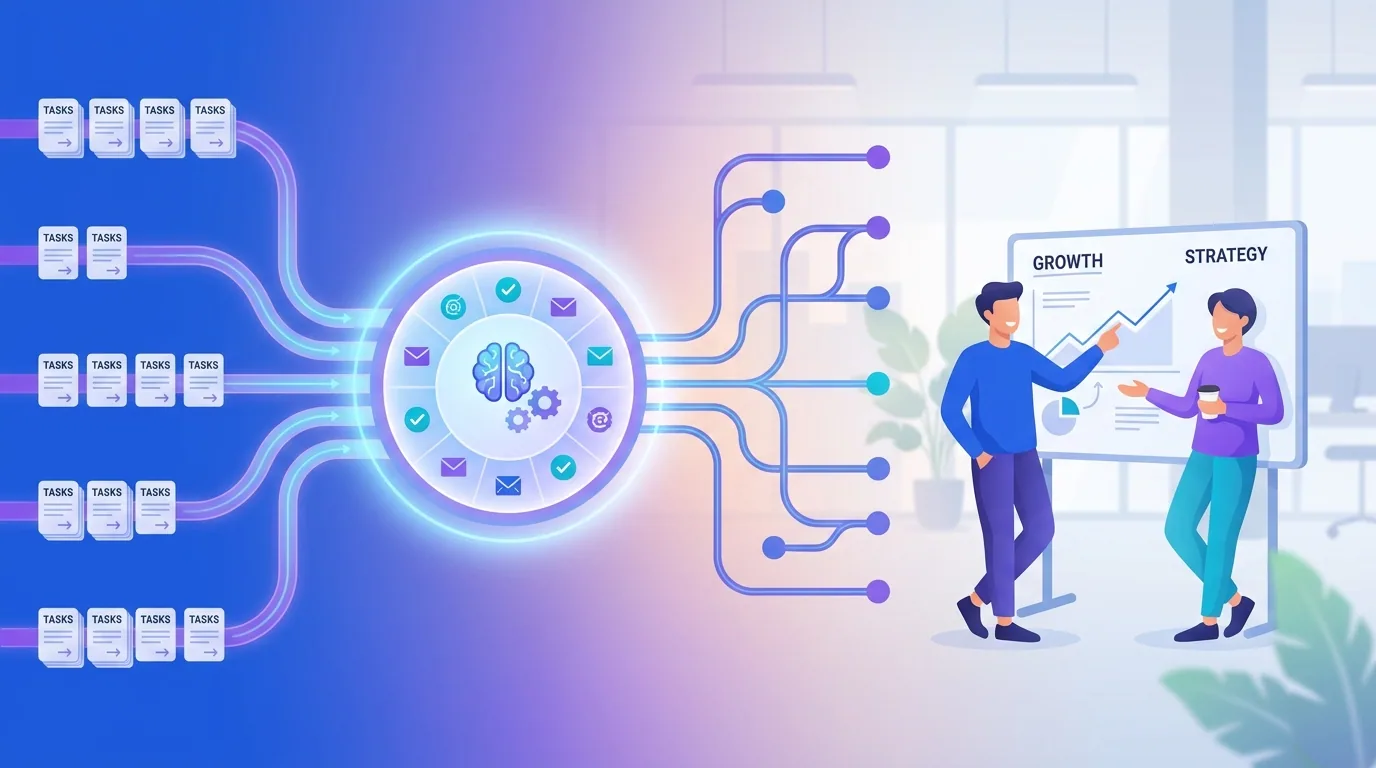
For a small business, that means the busywork between your tools finally takes care of itself. A new lead can be researched, scored, logged in your CRM, and sent a tailored first reply — before you have even read the notification. The point is not to replace people; it is to remove the dull, error-prone glue work so your people do the work only humans can.
The shift that makes 2026 different from previous years is that the AI layer is now genuinely affordable and reliable enough for tiny teams. You no longer need an enterprise budget or a data-science hire to get an assistant that reads, decides, and writes on your behalf. The same capabilities that powered large companies a couple of years ago now sit inside the no-code tools a one-person business can use on an afternoon, which is why the playing field has levelled so quickly.
Which tasks should a small business automate first?
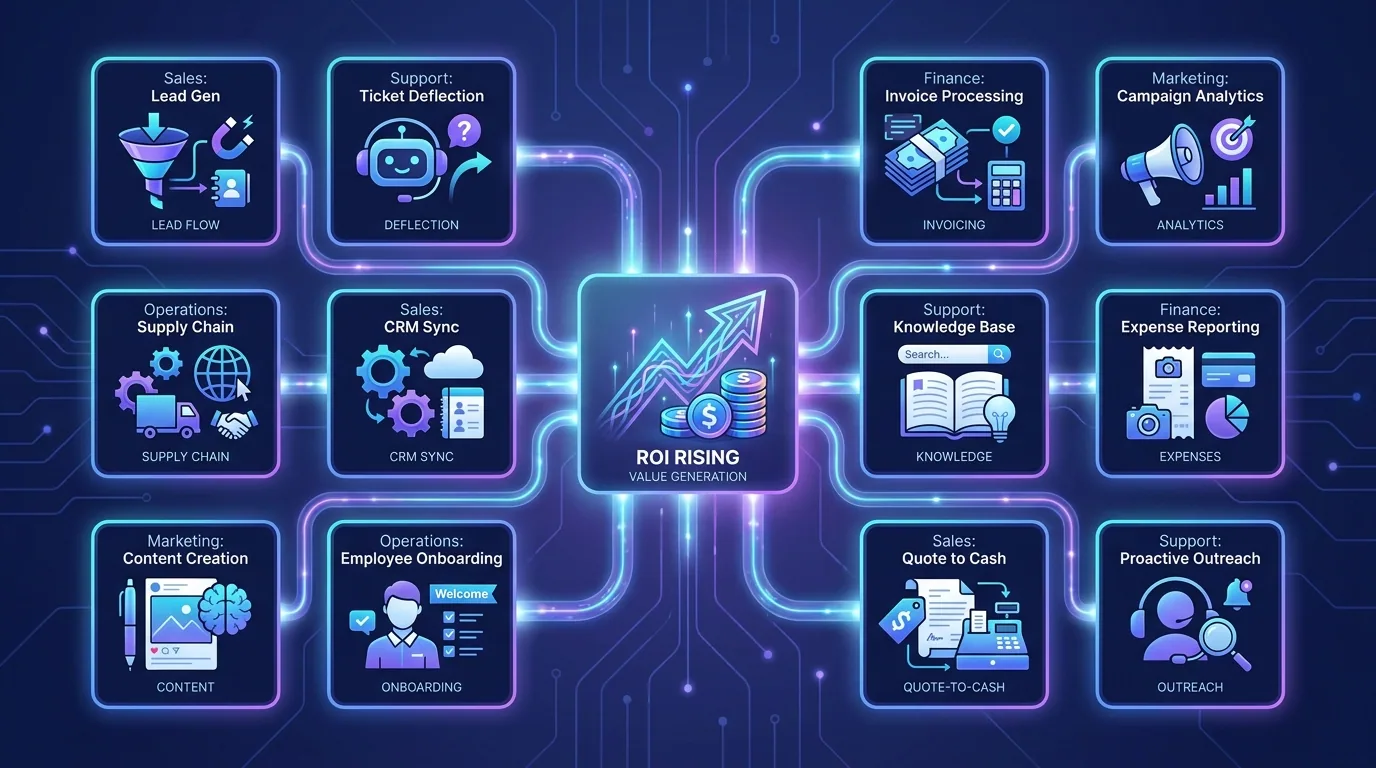
Start with tasks that are frequent, repetitive, rules-based, and currently done by a human copying information from one place to another. These are the lowest-risk, highest-reward candidates. Avoid automating fuzzy, high-judgement work on day one — earn confidence with the obvious wins first.
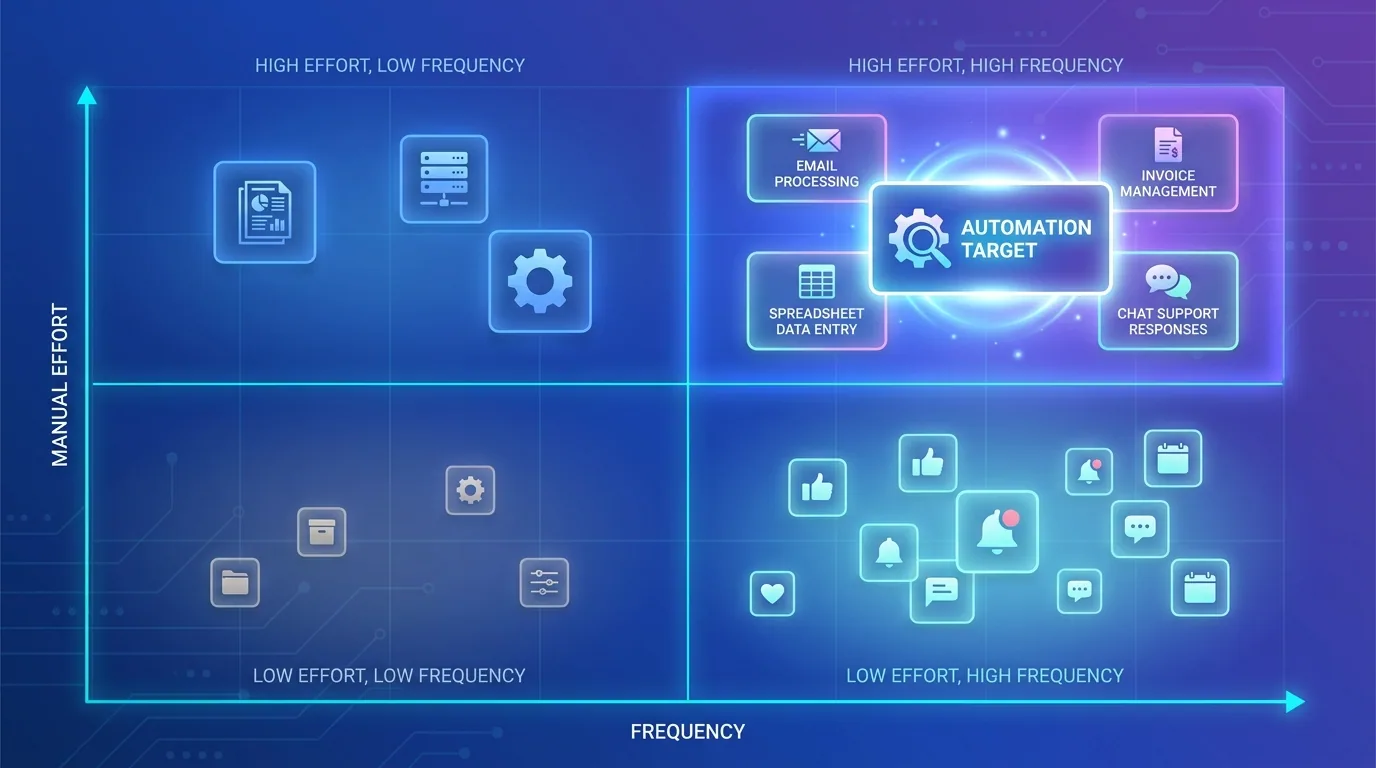
- Lead capture and follow-up: route form submissions into your CRM and send an instant, personalised first reply.
- Invoicing and payment reminders: generate invoices and chase overdue ones automatically, politely, on schedule.
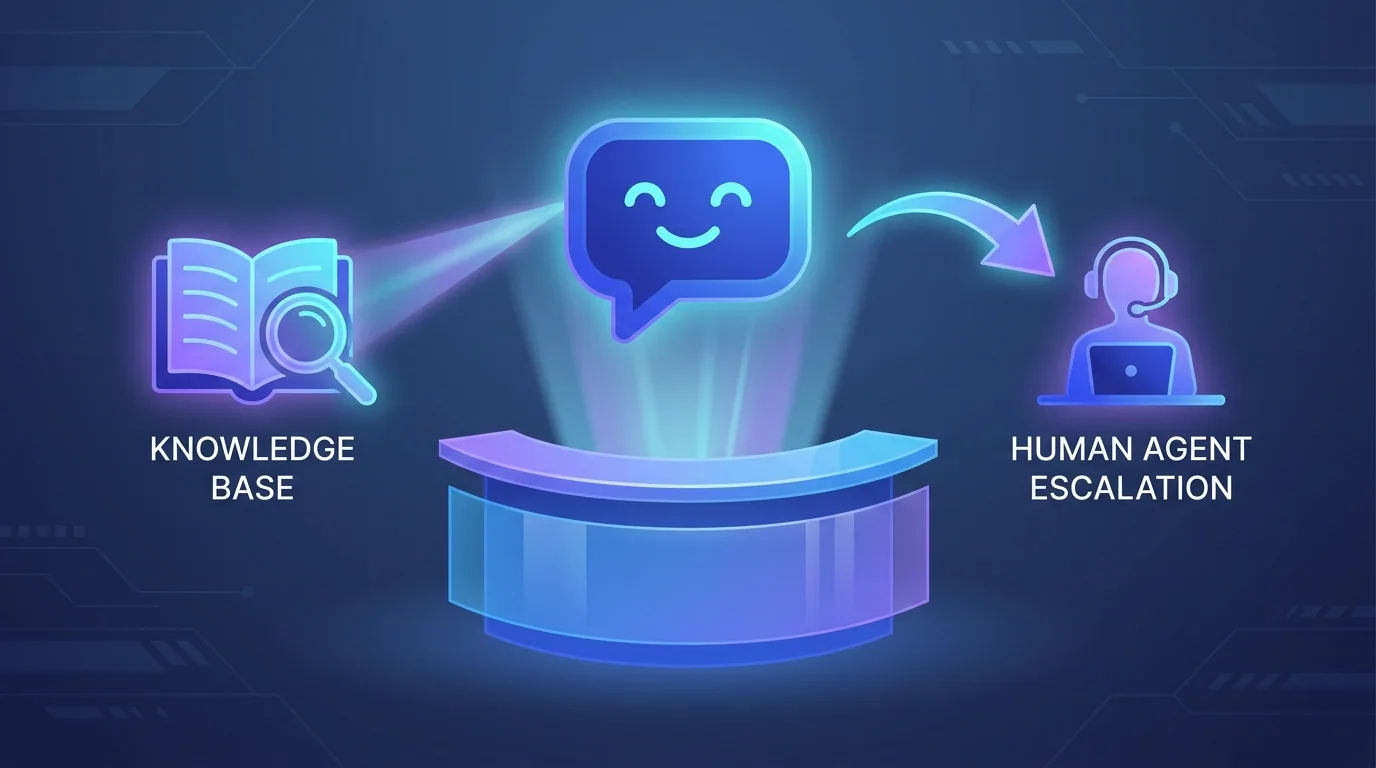
- Customer support triage: classify incoming messages, draft suggested replies, and escalate the urgent ones to a human.
- Data entry and reporting: pull numbers from emails, receipts, and apps into a single clean dashboard.
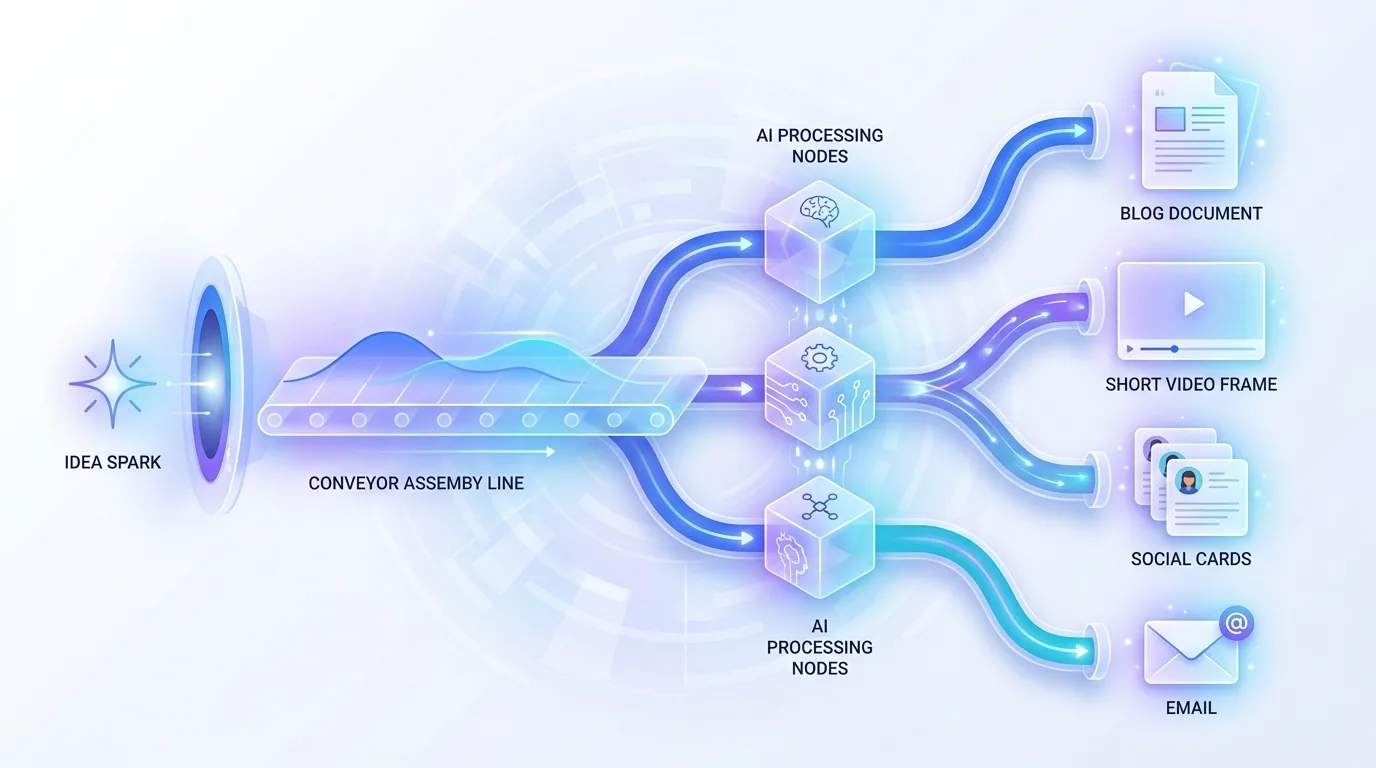
- Content and social scheduling: repurpose one piece of content into posts and queue them across channels.
How do you build your first automation without a developer?
In 2026 you build it with a no-code or low-code platform. Zapier, Make, and n8n are the dominant choices, and all let you connect your apps visually. Zapier is the gentlest start, Make gives more power per dollar, and n8n offers the most control and the deepest AI features. You can read our full n8n vs Make vs Zapier comparison to pick, but for a first project the safest bet is the one that already connects to the tools you use.
The build itself follows a simple shape: a trigger (something happens), one or more actions (do this in response), and increasingly an AI step in the middle (read, decide, or write). Start with one trigger and one action. Test it with real data. Only then add the AI judgement layer.

Where should AI keep a human in the loop?
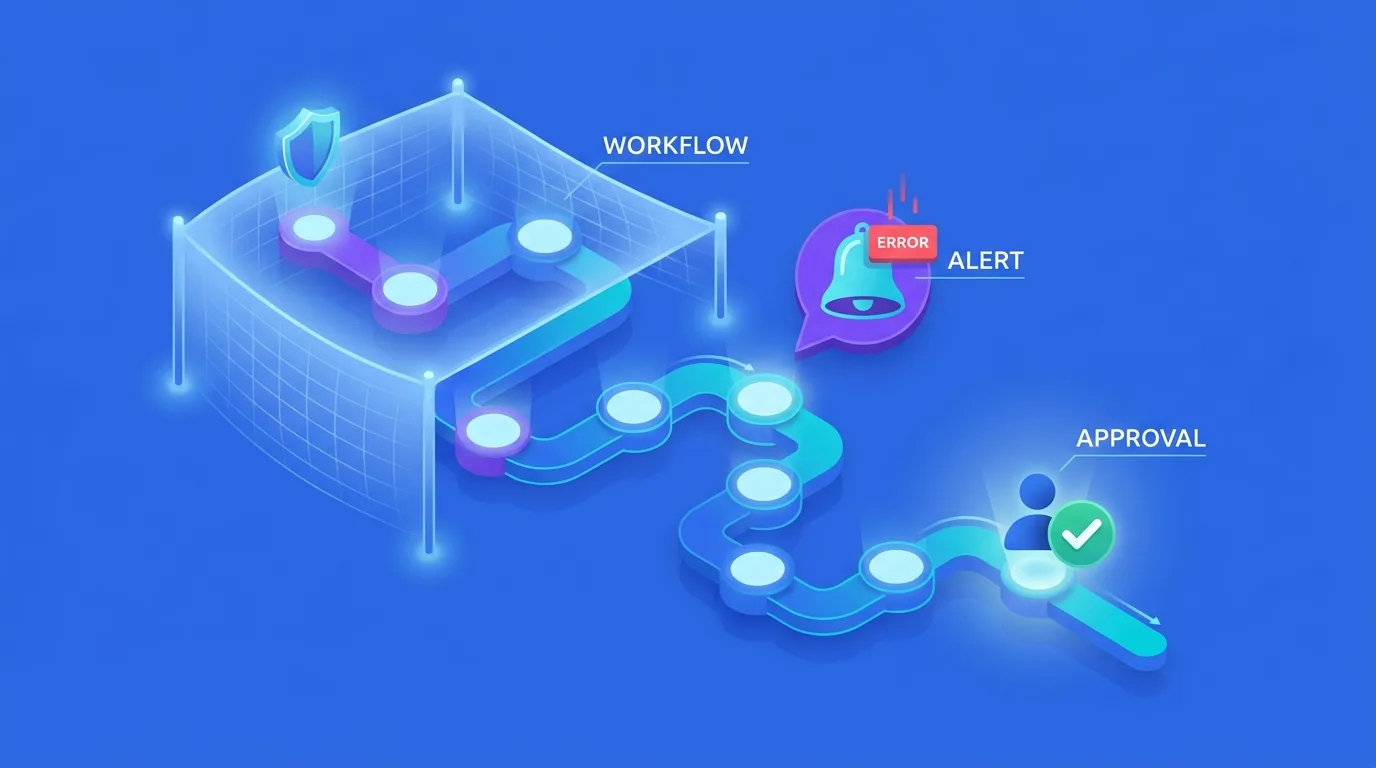
Not everything should run fully automatically, and the best small-business automations know the difference. A human-in-the-loop approval gate pauses the workflow and waits for a person to confirm before a sensitive action fires — like sending a refund, posting publicly, or emailing a high-value client. This single habit lets you automate aggressively while keeping risk near zero.
A good pattern is: let AI do the research and drafting, then have a person approve with one click. You get most of the time saving without ever sending something embarrassing on autopilot. As trust grows, you remove gates from the low-risk steps and keep them only where a mistake would genuinely hurt.
The goal is not to remove humans from the work — it is to remove humans from the busywork, so their judgement lands only where it counts.
— Priya Nair, AI Solutions Architect, Fryntavo
How do you avoid the common automation mistakes?
Most failed automation projects share the same causes, and all of them are avoidable. The biggest is starting too big — trying to automate an entire department instead of one task. The second is skipping error handling, so the first unexpected input silently breaks everything. The third is automating a broken process, which just makes the mess happen faster.
- Start small. One task, proven, before you expand.
- Fix the process first. Do not automate a workflow that is already confusing — clean it up, then automate.
- Add error handling and alerts. Know immediately when something fails instead of discovering it days later.
- Keep a human gate on risky actions. Money, public posts, and key clients get a one-click approval.
- Document what you build. Future-you needs to know what runs, when, and why.
What does a realistic 90-day automation plan look like?
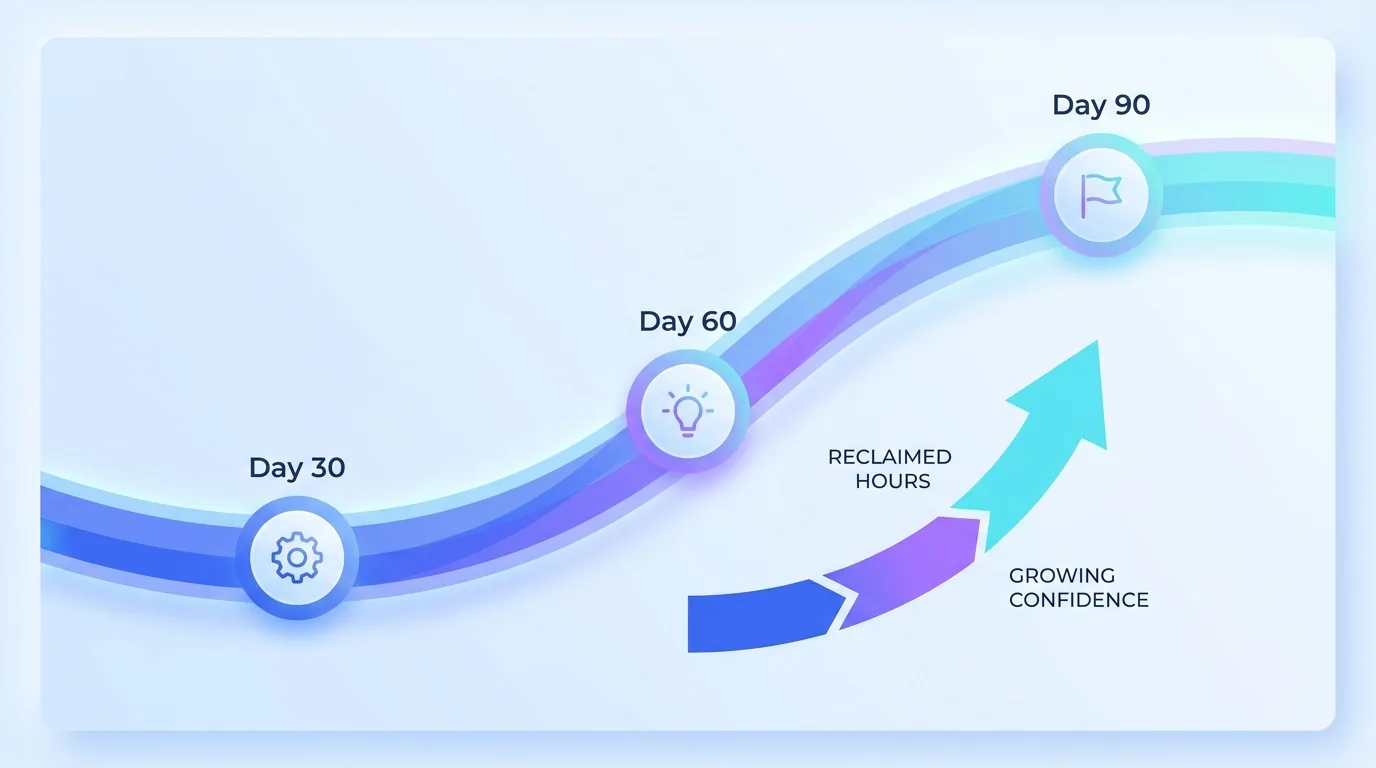
Treat your first quarter as a confidence-building exercise, not a moonshot. In month one, automate a single repetitive task end to end and measure the hours saved. In month two, add an AI judgement step to that same workflow and connect one more tool. In month three, tackle a second task and start linking your automations into a small, dependable system.
By the end of ninety days, a typical small business has reclaimed ten or more hours a week and built the in-house comfort to keep going. That is the real return: not a single clever bot, but a team that now instinctively asks "could software do this?" before doing it by hand. When you are ready to scale beyond the basics, agent-based systems and our automation specialists can take it further.
Crucially, the compounding effect is what makes automation transformative rather than merely helpful. The hours you save in month one do not disappear into thin air — they become the time you invest in building the next automation, which saves more hours, which funds the one after that. A small business that gets this flywheel turning ends the year with a quietly powerful operations stack that competitors with five times the headcount struggle to match.
The bottom line on AI automation for small business
AI automation rewards small businesses that start small and stay practical. Pick one painful, repetitive task, automate it on a no-code platform, keep a human gate where it matters, and measure the time you save. Then do it again. You do not need to transform everything at once — you need momentum, and momentum starts with a single automated task this week.
Want a free map of the top three tasks you should automate first — built around the tools you already use? Our team will design the plan and build it with you.
Map My AutomationsFrequently asked questions
What is the best first task to automate for a small business?
Start with a frequent, rules-based task where a person currently copies information between apps, such as lead follow-up, invoice reminders, or data entry. These are low-risk and high-reward, so they prove the value of automation quickly and build confidence to expand.
Do I need to hire a developer to automate my business?
No. In 2026, no-code and low-code platforms like Zapier, Make, and n8n let you build automations visually without writing code. For more advanced AI-agent workflows, a specialist can help, but most first automations are well within reach of a non-technical owner.
How much time can AI automation actually save a small business?
A typical small team reclaims ten to fifteen hours a week after automating its core repetitive tasks. The exact figure depends on how much manual data movement and follow-up your business does, but the payback period for a well-chosen first automation is often under a month.
Is AI automation safe for sensitive tasks?
Yes, when you use human-in-the-loop approval gates. These pause the workflow and wait for a person to approve before a sensitive action runs, such as issuing a refund or emailing a key client. This lets you automate aggressively while keeping risk very low.
Which automation platform is best for beginners?
Zapier is the easiest to start with thanks to its simple trigger-action model and huge app catalog. Make offers more power for a lower cost, and n8n offers the deepest control and AI features. For a first project, the best choice is the platform that already connects to the tools you use.
What is the biggest mistake small businesses make with automation?
Starting too big. Trying to automate an entire department at once usually fails. The proven approach is to automate one task, prove the time saving, add error handling and approval gates, and only then expand to the next task.
Can AI automation help me follow up with leads faster?
Absolutely. AI automation can capture a new lead, research and score them, log them in your CRM, and send a personalised first reply within seconds, all before you read the notification. Faster follow-up is one of the highest-impact automations a small business can build.
Ready to put this into action?
Fryntavo helps brands grow with web development, SEO, marketplace management, and AI automation. Book a free, no-obligation strategy call.
Book a Free Strategy Call