

A safe website redesign in 2026 comes down to one rule: change how the site looks and performs, but protect the URLs, content, and signals that earned your rankings. The biggest traffic losses after a relaunch are almost never caused by the new design — they are caused by broken redirects, missing content, and a slower, harder-to-crawl site. This website redesign checklist walks you through every step needed to relaunch faster and better without losing rankings.
We run redesigns for clients every month, and the pattern is consistent: the teams that treat a redesign as an SEO migration project keep their traffic, while the teams that treat it as a purely visual refresh tend to lose 20 to 40 percent of organic visits overnight. Follow the steps below and you will land on the right side of that line.
Why do websites lose rankings after a redesign?
Most rankings drops after a redesign trace back to four avoidable mistakes: URLs changed without proper 301 redirects, content that ranked got cut or thinned out, the new site is slower or harder to crawl, and on-page signals like titles, headings, and structured data were not carried over.
Google does not reward a prettier site automatically. It re-evaluates the new version against everything it already knows, and if the signals that built your authority disappear, so does the ranking. A redesign is a high-risk moment precisely because it touches all of those signals at once.
What do you do before touching the design?
Before a single wireframe is drawn, capture a complete picture of the current site. This baseline is your insurance policy — you cannot protect what you have not measured. Crawl every URL, export your top-performing pages, and record current rankings, traffic, and Core Web Vitals so you can compare before and after.
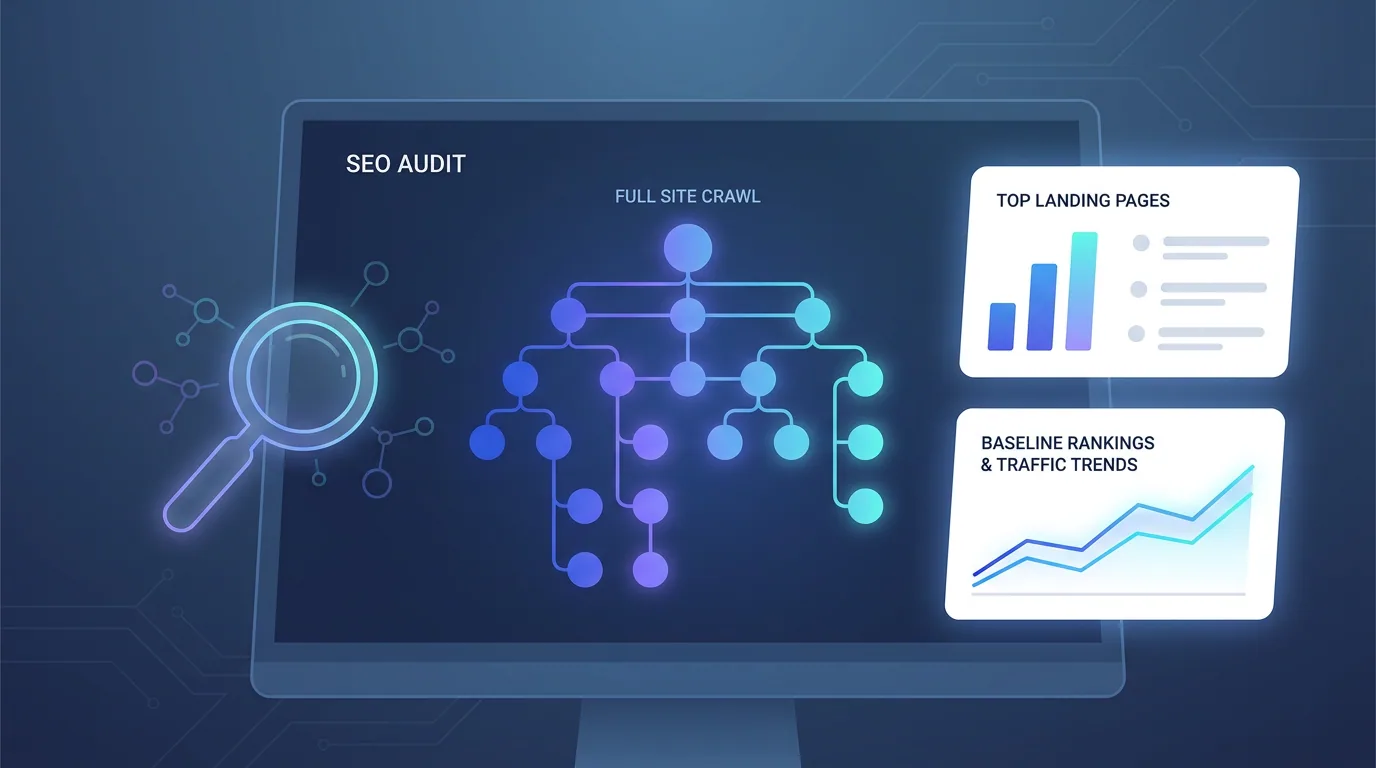
- Crawl the full site with a tool like Screaming Frog and export every indexable URL.
- Export top pages from Search Console and analytics — the pages driving traffic and conversions are the ones you must protect.
- Record current rankings for your priority keywords so you can detect drops early.
- Snapshot Core Web Vitals (LCP, INP, CLS) and on-page elements: titles, meta descriptions, H1s, and structured data.
- Back up everything — the live database, files, and a full crawl — so you can roll back if needed.
How do you keep content and on-page SEO intact?
The safest redesigns preserve content parity on pages that already rank. That does not mean you cannot improve copy — it means you should not silently delete the paragraphs, headings, and depth that earned visibility. If a page ranks for a topic, the new version must still cover that topic at least as thoroughly.
Carry over the on-page signals deliberately. Match or improve title tags and meta descriptions, keep a clear single H1 per page, preserve heading hierarchy, and re-implement structured data such as Article, FAQPage, Breadcrumb, and Organization schema. These are the machine-readable cues that AI Overviews and answer engines rely on, and they are trivially easy to lose in a rebuild.
A redesign is the easiest time in a website's life to accidentally throw away years of SEO equity. Treat every ranking page as something to protect, not something to reinvent from scratch.
— Aiden Brooks, Lead Web Engineer, Fryntavo
Why is the redirect map the most important step?
If your URLs change at all — new structure, new slugs, dropping a subfolder, moving to HTTPS or a new domain — you must map every old URL to its closest new equivalent with a permanent 301 redirect. This is the single most important technical task in any migration, and skipping it is the number one cause of catastrophic ranking loss.
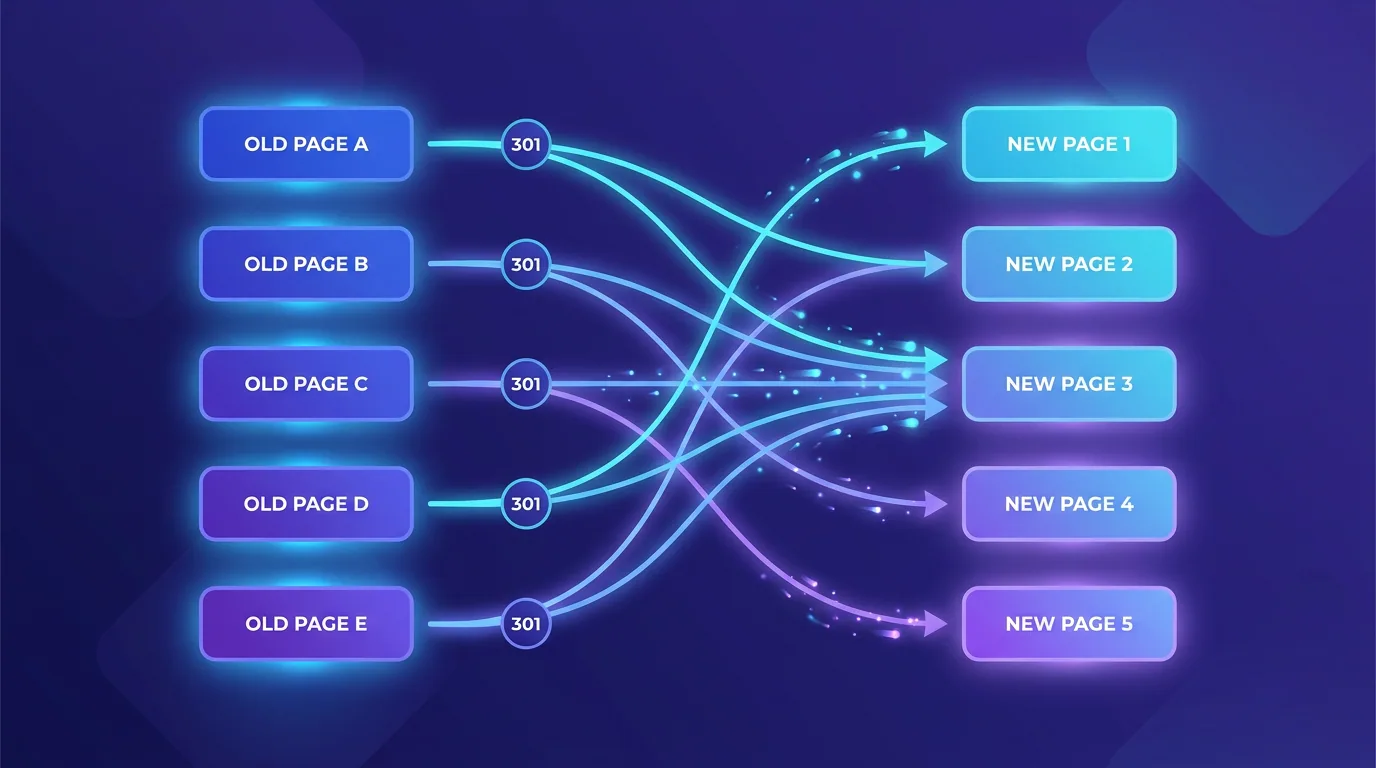
Redirect to the most relevant page, not a blanket redirect to the homepage — Google often treats homepage-only redirects as soft 404s and drops the ranking anyway. Avoid redirect chains (A to B to C); point old URLs straight to the final destination. And never use a 302 (temporary) redirect for a permanent move, because it can prevent equity from passing.
- One-to-one mapping: every old URL points to the single best new URL.
- Use 301s, not 302s, for anything permanent so authority transfers.
- Kill chains and loops: redirect directly to the final URL.
- Update internal links to the new URLs so you are not relying on redirects forever.
How fast and crawlable does the new site need to be?
Speed is not optional in 2026. Google's Core Web Vitals thresholds — a Largest Contentful Paint near 2.0 seconds, an Interaction to Next Paint under 200ms, and a Cumulative Layout Shift under 0.1 — are genuine ranking factors, and a beautiful redesign that loads slower than the old site can lose rankings on performance alone.
This is why we build redesigns on fast, modern foundations rather than stacking heavy themes and plugins. Server-side rendering, modern image formats like WebP and AVIF, disciplined JavaScript, and a clean, crawlable architecture keep the new site eligible for both classic rankings and AI citations. If you want that performance baked in from the start, our web development team builds for it by default.
What should your launch-day checklist include?
Launch is where preparation pays off — or falls apart. Work the new build on a staging environment that is blocked from indexing, then run a tight launch sequence so nothing slips through. The goal is a relaunch that search engines barely notice, except that everything is faster and cleaner.
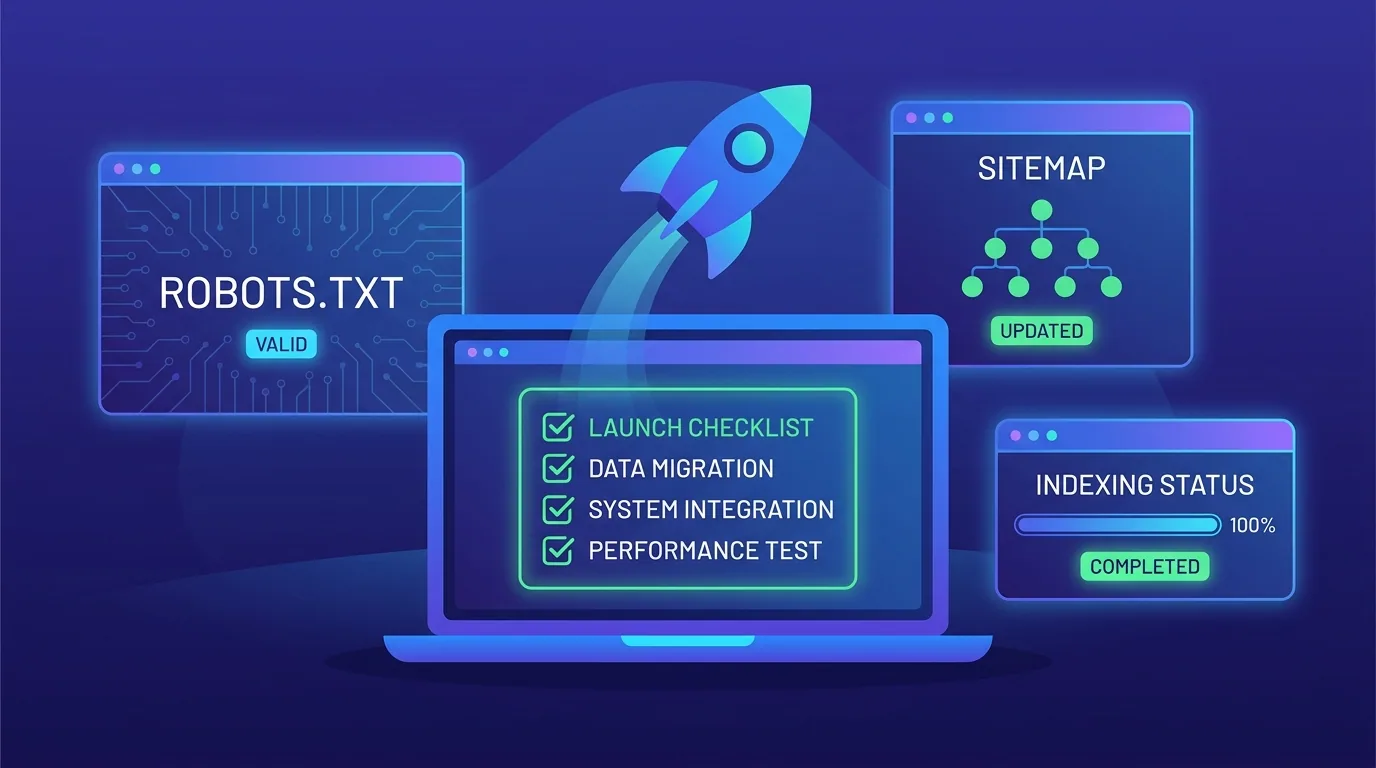
- Remove the staging block: delete any noindex tag or disallow rule that hid the build from crawlers.
- Verify redirects live: spot-check your highest-traffic old URLs and confirm clean 301s with no chains.
- Submit the new XML sitemap in Search Console and Bing Webmaster Tools.
- Confirm canonical tags, robots.txt, and analytics/tracking are all correct on the live site.
- Crawl the live site immediately to catch broken links, orphan pages, and 404s before users do.
What do you monitor after launch?
A redesign is not finished at launch — the first few weeks decide whether it succeeds. Watch Search Console for crawl errors, coverage drops, and 404 spikes, and compare rankings and traffic against the baseline you captured. A small, temporary dip is normal as Google reprocesses the site; a sustained slide means something broke.
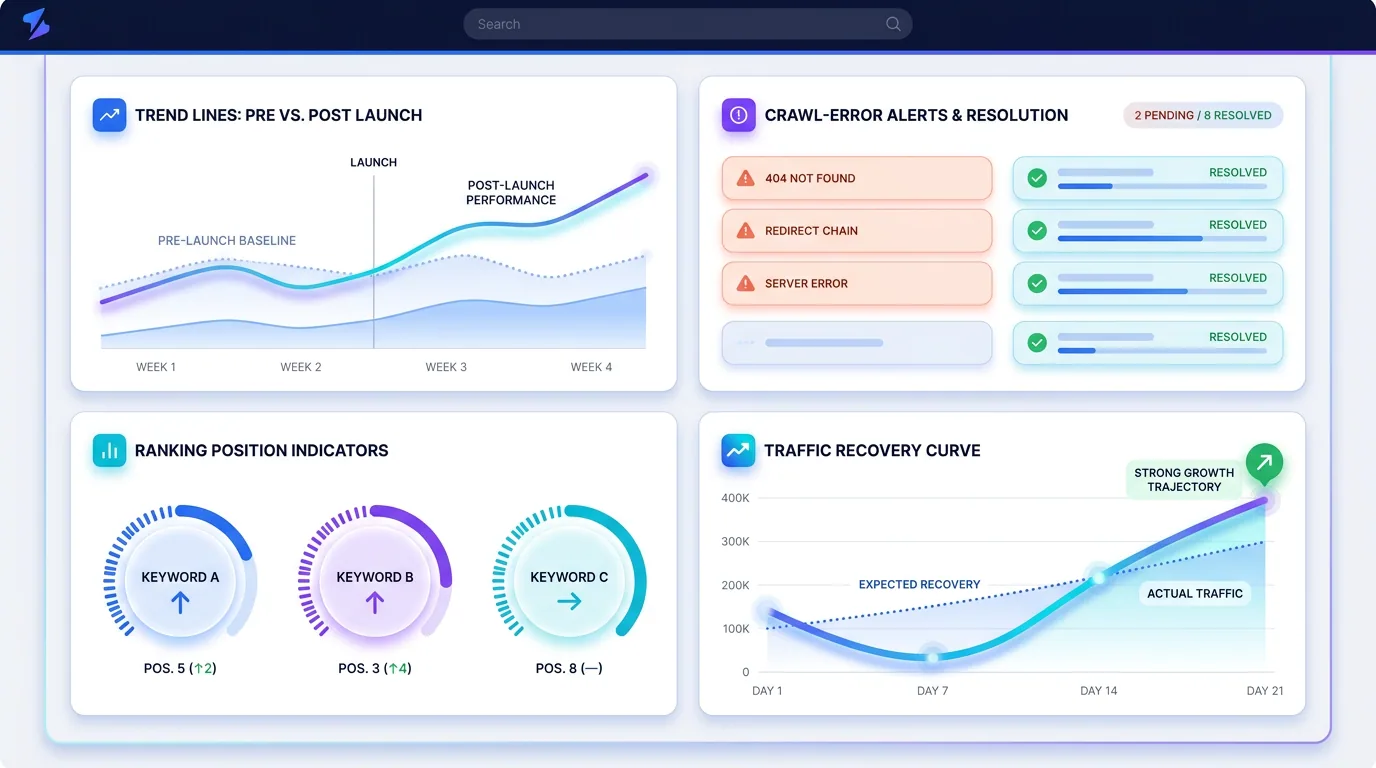
If you do see a drop, work the list systematically: check for missing redirects, restore any content that was thinned, confirm the new pages render for Googlebot, and verify Core Web Vitals did not regress. Most post-redesign problems are recoverable when caught early, which is exactly why monitoring against a baseline matters so much.
Done right, a redesign is one of the best investments a business can make — a faster, clearer, more persuasive site that also pairs beautifully with a strong SEO program. Done carelessly, it is an expensive way to delete your own traffic. The checklist above is the difference between the two.
Planning a redesign and want to keep every ranking you have earned? Our team handles the design, the build, and the SEO-safe migration end to end.
Plan a Safe RedesignFrequently asked questions
Will a website redesign hurt my SEO?
It can, but only if it is done carelessly. Rankings drop when URLs change without 301 redirects, ranking content is removed, the site becomes slower, or on-page signals are lost. A redesign that preserves URLs (or maps them with redirects), keeps content parity, and matches or beats the old site's speed can launch with little or no traffic loss.
What is the most important step in a website redesign?
The 301 redirect map. If any URLs change, every old URL must point to its closest new equivalent with a permanent 301 redirect so that link equity and rankings transfer. Skipping or botching redirects is the single biggest cause of catastrophic traffic loss after a relaunch.
How do I redesign my website without losing rankings?
Capture a full baseline crawl and performance snapshot first, preserve content and on-page signals on pages that rank, build a complete one-to-one 301 redirect map for any changed URLs, ensure the new site matches or beats Core Web Vitals, then run a disciplined launch and monitor against your baseline. That sequence keeps rankings stable.
Should I redirect old pages to the homepage?
No. Redirect each old URL to the most relevant new page, not a blanket redirect to the homepage. Google often treats homepage-only redirects as soft 404s and drops the ranking, so a one-to-one mapping to genuinely equivalent pages is essential.
How long does it take to recover rankings after a redesign?
A small, short-lived dip is normal while Google reprocesses the new site, typically settling within a few weeks. A sustained drop signals a problem such as missing redirects, thinned content, or rendering issues, which should be diagnosed and fixed immediately rather than waited out.
Do I need to keep my old content during a redesign?
You should preserve content parity on pages that already rank. You can rewrite and improve copy, but do not silently delete the depth, headings, and topics that earned visibility. If a page ranks for a topic, the new version must cover that topic at least as well.
How do I know if my redesign caused a problem?
Compare post-launch rankings, traffic, and crawl health against the baseline you captured before the redesign. Watch Search Console for 404 spikes, coverage drops, and crawl errors. A persistent decline in priority keywords or organic sessions indicates a migration issue to investigate.
Can Fryntavo handle my website redesign and migration?
Yes. Fryntavo handles redesigns end to end — design, development on fast modern foundations, and an SEO-safe migration with full redirect mapping and post-launch monitoring. Book a consultation and we will plan a relaunch that protects your rankings.
Ready to put this into action?
Fryntavo helps brands grow with web development, SEO, marketplace management, and AI automation. Book a free, no-obligation strategy call.
Book a Free Strategy Call