
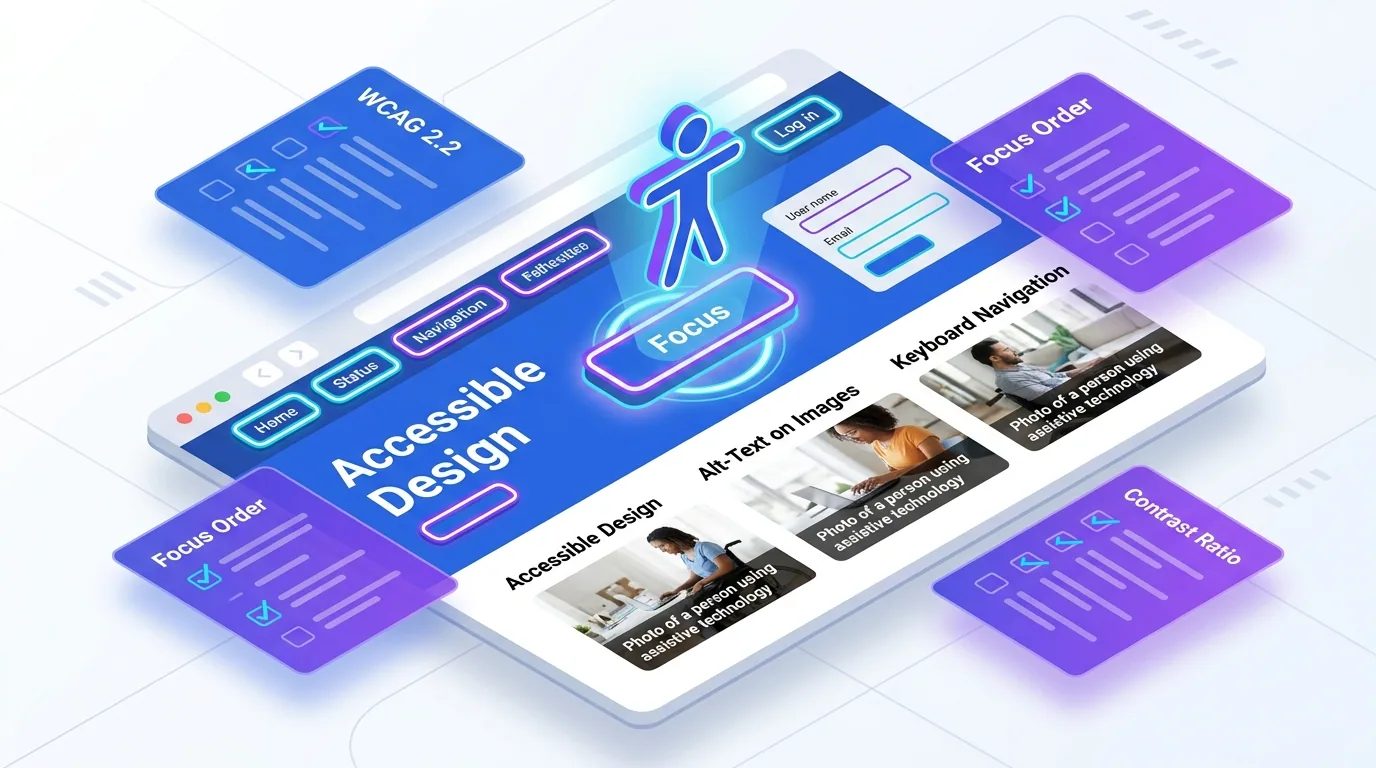
Web accessibility is the practice of building websites that everyone can use, including people who rely on screen readers, keyboards, captions, or magnification. In 2026, the working standard is WCAG 2.2, and meeting its Level AA success criteria is what most organisations mean by an "accessible website" or ADA compliance. The fastest path to compliance is to bake accessibility in from the first line of markup rather than bolting it on before launch.
This guide is the practical version of that advice. It covers what WCAG 2.2 actually requires, the mistakes we see most often, and how our web development team ships accessible sites without slowing delivery. No legal hand-waving, no overlay widgets — just the work that genuinely moves the needle.
What is web accessibility and why does WCAG matter?
Roughly one in six people worldwide lives with a significant disability. An inaccessible site silently turns those visitors away — and increasingly, it exposes you to legal risk. Accessibility lawsuits and demand letters have climbed every year, and they now routinely cite WCAG 2.2 Level AA as the benchmark a site failed to meet.
The Web Content Accessibility Guidelines (WCAG) are organised around four principles, easy to remember as POUR: content must be Perceivable, Operable, Understandable, and Robust. WCAG 2.2, the current recommendation, adds nine success criteria on top of 2.1 — focused on focus visibility, dragging alternatives, larger touch targets, and reducing cognitive load during authentication.
It helps to see accessibility as a spectrum of needs rather than a single edge case. A permanent screen-reader user, someone with a temporarily broken arm navigating by keyboard, and a commuter squinting at a phone in bright sun all benefit from the same well-built page. Designing for the extremes consistently produces a better experience for the middle, which is why accessible sites tend to feel more polished to everyone.
What changed in WCAG 2.2?
If you last audited against WCAG 2.1, the jump to 2.2 is small but pointed. The new criteria target real-world friction that older guidelines missed, especially on mobile and during sign-in.
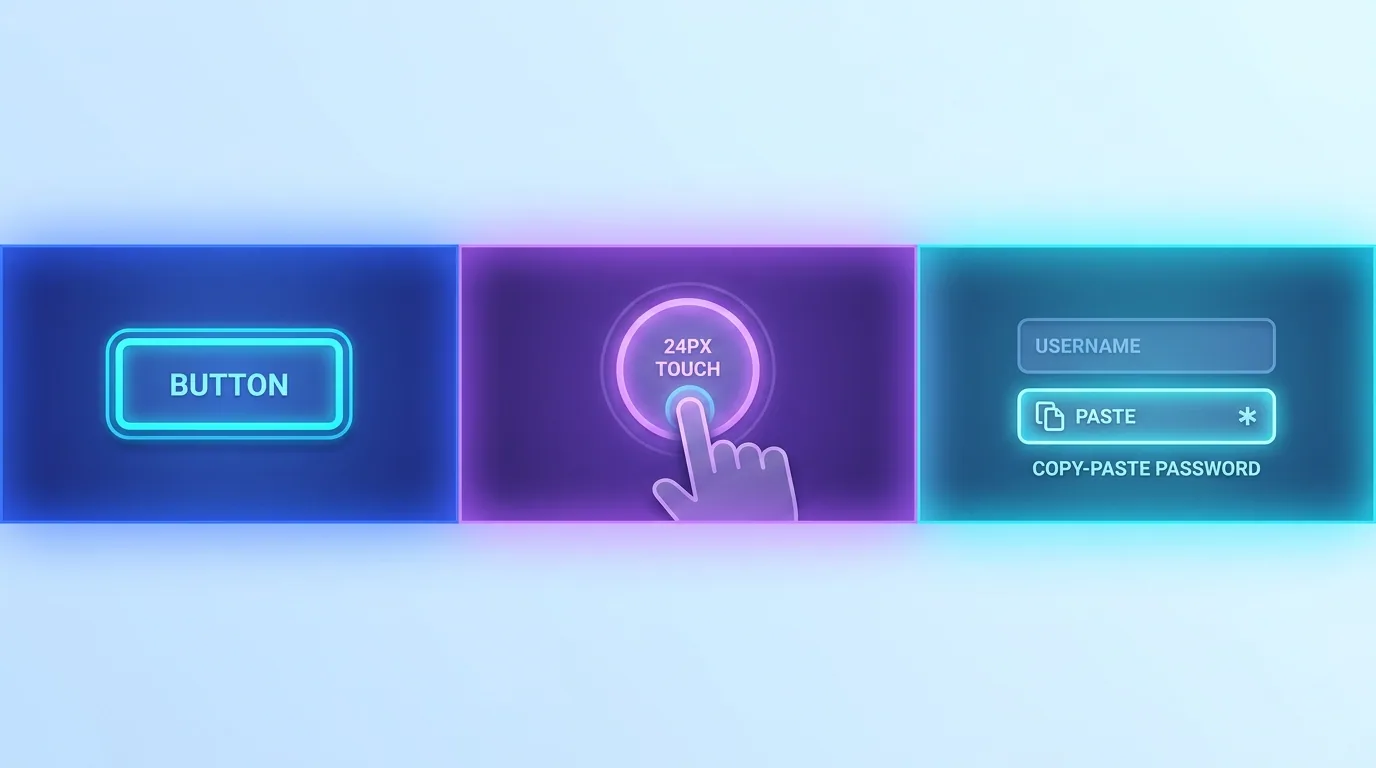
- Focus Not Obscured & Focus Appearance: the keyboard focus indicator must stay visible and clearly distinguishable, never hidden behind sticky headers or cookie bars.
- Target Size (Minimum): interactive controls should be at least 24×24 CSS pixels, with spacing — a direct win for touch and motor accessibility.
- Dragging Movements: any drag interaction needs a single-pointer alternative, like tap-to-select instead of drag-and-drop only.
- Accessible Authentication: don't force users to solve memory or transcription puzzles to log in; allow paste, password managers, and copy.
- Consistent Help & Redundant Entry: keep help links in a predictable place and stop asking users to re-enter information they already provided.
How do you build an accessible website from the start?
The single highest-leverage habit is semantic HTML. Native elements — `button`, `nav`, `main`, `label`, `table` — come with keyboard behaviour, roles, and screen-reader semantics for free. Most accessibility bugs we fix trace back to a `div` pretending to be a button. Reach for the real element first and write less ARIA, not more.
From there, accessibility becomes a set of disciplines you apply consistently rather than a final checklist. The goal is a site that is operable by keyboard alone, legible at any zoom level, and meaningful when read aloud.
- Give every image meaningful alt text, and mark purely decorative images with an empty alt attribute so screen readers skip them.
- Maintain a logical heading hierarchy (one H1, then nested H2s and H3s) so assistive tech can build an accurate page outline.
- Ensure colour contrast meets at least 4.5:1 for body text and 3:1 for large text and UI components.
- Make every interaction reachable and usable by keyboard, with a visible focus state and a working skip-to-content link.
- Label all form fields explicitly and tie error messages to their inputs so they are announced, not just shown in red.
Is WCAG compliance the same as ADA compliance?
Not exactly, but they are tightly linked. The Americans with Disabilities Act (ADA) does not name a technical standard in its text, yet courts and settlements consistently treat WCAG 2.x Level AA as the practical bar for an "accessible" website. The European Accessibility Act and similar regulations point to the same guidelines. In short: build to WCAG 2.2 AA and you satisfy the spirit and the evidence behind most legal requirements.
Accessibility is not a feature you add at the end. It is a property of how the page is built — and the cheapest time to get it right is before the first component ships.
— Aiden Brooks, Lead Web Engineer, Fryntavo
How do you test for accessibility?
Automated tools catch roughly 30 to 40 percent of issues — invaluable, but nowhere near complete. A credible a11y process pairs automation with manual testing, because the hardest barriers (illogical focus order, unlabelled custom widgets, meaningless link text) only surface when a human drives the page the way a disabled user would.
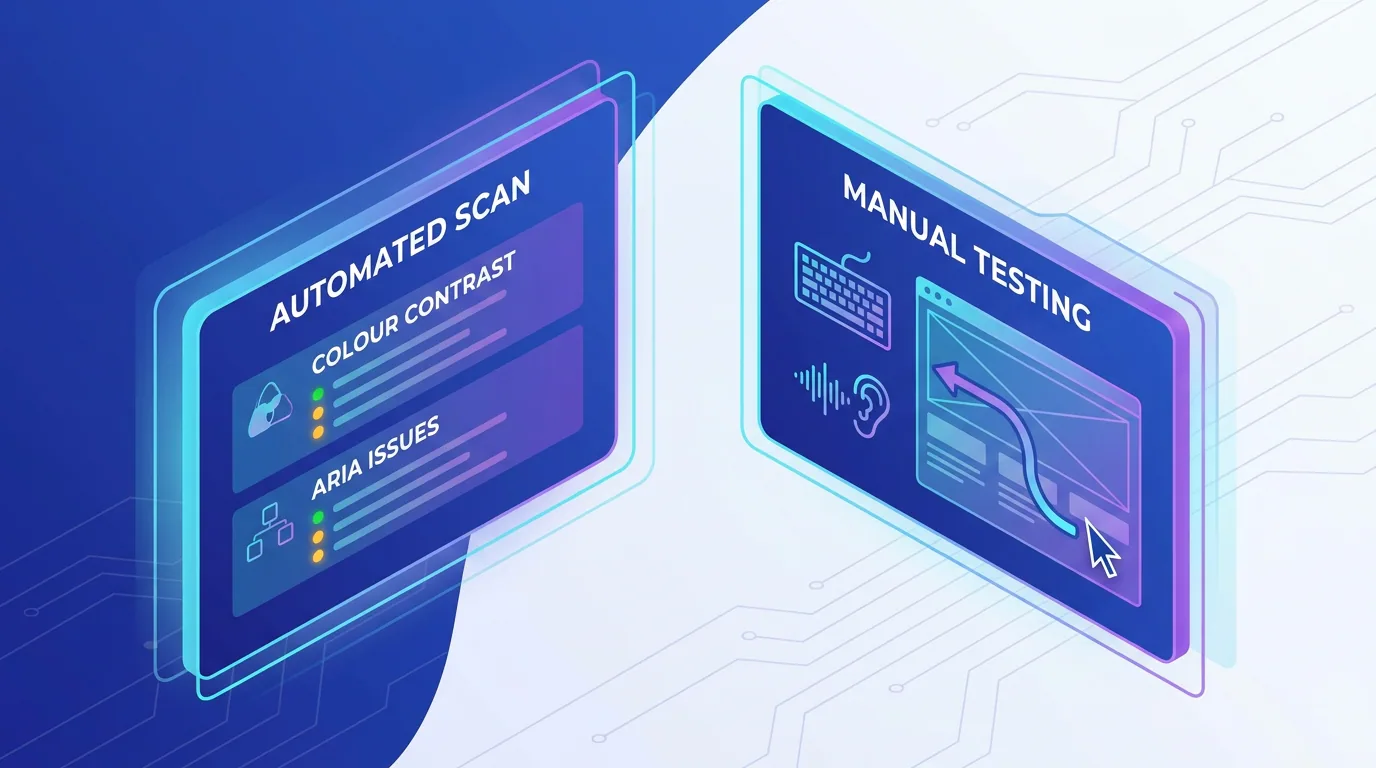
- Automated scans: run tools like axe, Lighthouse, or WAVE in CI so regressions are caught on every pull request.
- Keyboard testing: unplug the mouse and navigate the entire flow with Tab, Shift+Tab, Enter, and arrow keys.
- Screen readers: verify real journeys with VoiceOver, NVDA, or TalkBack — the content should make sense with the screen off.
- Zoom and reflow: check the layout at 200% zoom and 320px width to confirm nothing is clipped or lost.
Why accessibility helps SEO and conversions
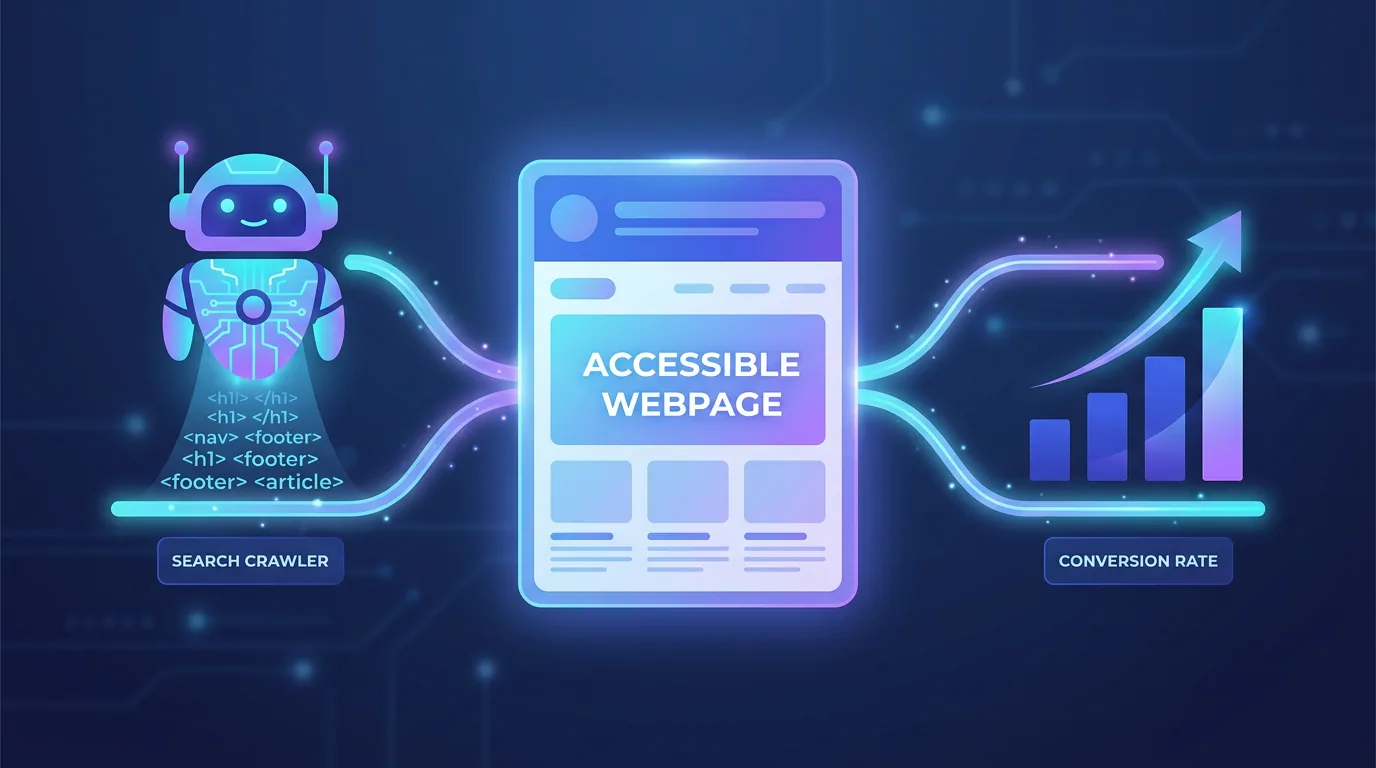
Accessible sites are simply better-engineered sites, and search engines reward the same signals assistive tech depends on: clean semantics, descriptive alt text, logical headings, fast and stable rendering, and clear link text. An accessible website is easier for Google to crawl and parse, which feeds directly into stronger SEO performance.
The conversion case is just as direct. Larger touch targets, readable contrast, clear labels, and forgiving forms reduce friction for every user, not only those with disabilities. Accessibility, performance, and usability are the same project viewed from three angles.
Where should you start?
Start with an honest audit. Run an automated scan to find the obvious wins, then keyboard-test your three most important journeys — homepage, primary conversion path, and checkout or contact. Fix the structural issues first (semantics, headings, focus, contrast) before chasing edge cases. Most sites can reach a defensible WCAG 2.2 AA baseline faster than their teams expect once the work is prioritised correctly.
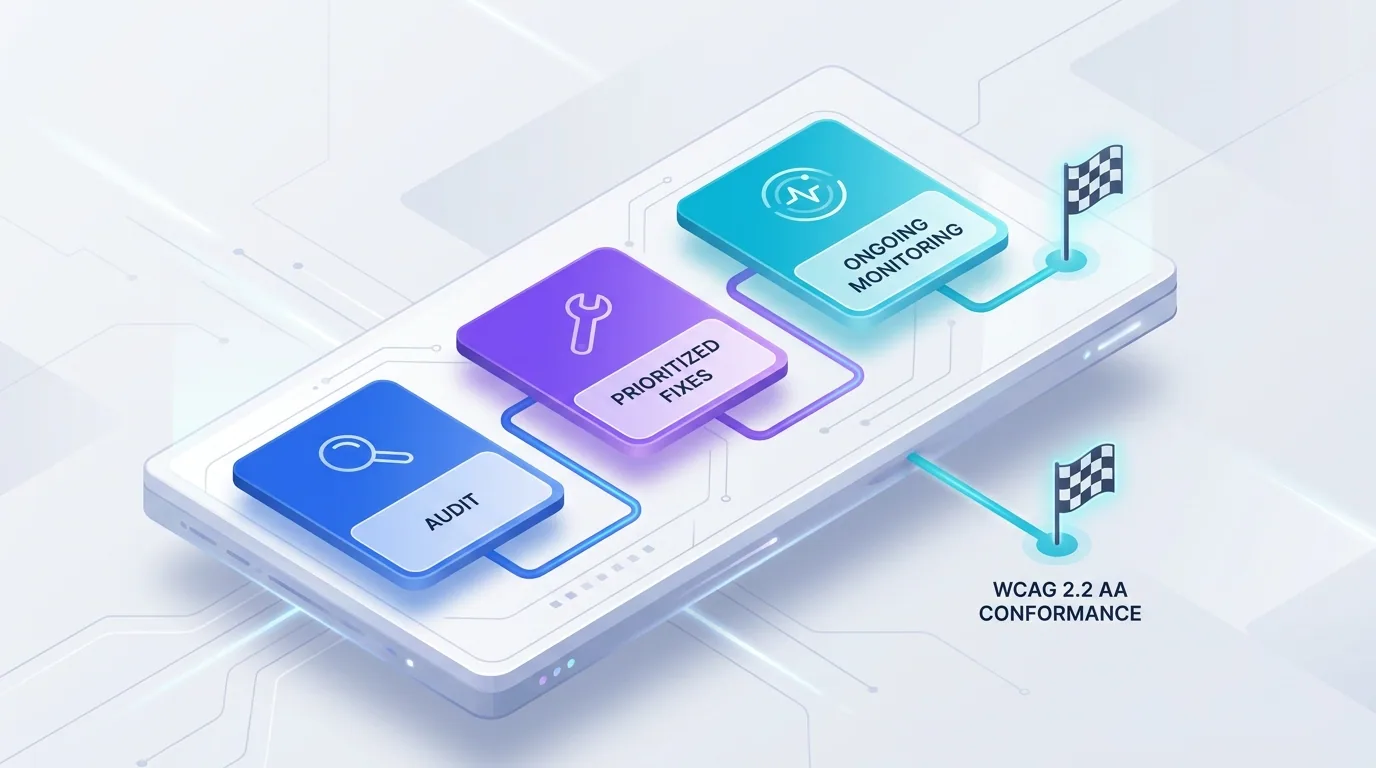
Treat accessibility as ongoing rather than one-and-done. Add automated checks to your pipeline, include a keyboard pass in your QA, and review new components against WCAG 2.2 before they ship. Done this way, an accessible website stays accessible as it grows.
Want an accessible, WCAG 2.2-compliant site that ranks and converts? Our engineers can audit your current build and deliver a prioritised roadmap to compliance.
Get an Accessibility AuditFrequently asked questions
What is web accessibility?
Web accessibility is the practice of designing and building websites so that people with disabilities — including those who use screen readers, keyboards, captions, or magnification — can perceive, navigate, and interact with all content and functionality. In practice it means conforming to the WCAG guidelines.
What is WCAG 2.2?
WCAG 2.2 is the current version of the Web Content Accessibility Guidelines. It builds on WCAG 2.1 by adding nine new success criteria covering visible focus, minimum target sizes, dragging alternatives, and easier authentication. Most organisations target WCAG 2.2 Level AA conformance.
Is WCAG compliance legally required?
Laws like the ADA in the US and the European Accessibility Act require accessible digital experiences without always naming a technical standard. Courts and regulators consistently treat WCAG 2.x Level AA as the benchmark, so conforming to WCAG 2.2 AA is the practical way to meet these legal obligations.
What is the difference between WCAG Level A, AA, and AAA?
Levels describe conformance strictness. Level A covers the most basic requirements, AA adds the criteria needed for a genuinely usable experience, and AAA is the most stringent and is rarely required site-wide. Level AA is the standard target for legal compliance and good practice.
Do accessibility overlay widgets make my site compliant?
No. Overlay widgets apply a script over your existing code without fixing the underlying markup. They often interfere with real assistive technology and have become a common target of accessibility lawsuits. Genuine compliance requires fixing your HTML, components, and content.
How do I test my website for accessibility?
Combine automated scanners like axe, Lighthouse, or WAVE with manual testing. Navigate your key flows using only a keyboard, verify them with a screen reader such as NVDA or VoiceOver, and check the layout at 200% zoom. Automated tools catch only part of the issues, so manual testing is essential.
Does accessibility improve SEO?
Yes. Accessible sites rely on clean semantic HTML, descriptive alt text, logical headings, and clear link text — the same signals search engines use to understand and rank pages. Improving accessibility almost always improves crawlability and SEO.
Can Fryntavo make my existing website accessible?
Yes. Fryntavo audits your site against WCAG 2.2 Level AA, prioritises the highest-impact fixes, and remediates the underlying code and components. We also set up automated checks so your site stays accessible as it evolves. Book a call to get a tailored roadmap.
Ready to put this into action?
Fryntavo helps brands grow with web development, SEO, marketplace management, and AI automation. Book a free, no-obligation strategy call.
Book a Free Strategy Call