


To make your website load faster in 2026, focus on four levers in order of impact: optimise your images, tame your JavaScript, upgrade your hosting and delivery, and clean up your code. Most slow sites are slow for the same handful of reasons, and fixing them moves you toward the modern targets — an LCP near 2.0 seconds, an INP under 200ms, and minimal layout shift.
Speed is not vanity. Faster sites rank better, convert more, and feel more trustworthy, while every extra second of load time quietly costs you visitors and sales. This guide walks through the highest-impact website speed optimisation steps, roughly in the order you should tackle them, so you get the biggest wins first.
Why does website speed matter so much in 2026?
Speed affects three things that drive your bottom line: rankings, conversions, and user trust. Google's Core Web Vitals make performance a ranking signal, and in an AI-search era, fast crawling and rendering also affect whether your content is eligible for AI Overviews. Meanwhile, real users abandon slow pages — patience online keeps shrinking.
That abandonment figure is representative of widely cited mobile behaviour, and the lesson is blunt: a slow site leaks revenue at the top of the funnel before visitors ever see your offer. Fixing speed is one of the highest-ROI improvements most businesses can make.
How do you optimise images to reduce load time?
Images are the single biggest cause of slow pages, so start here. Most sites serve images that are far larger than they need to be, in outdated formats, loaded all at once. Fixing this alone often cuts load time dramatically and improves your LCP.
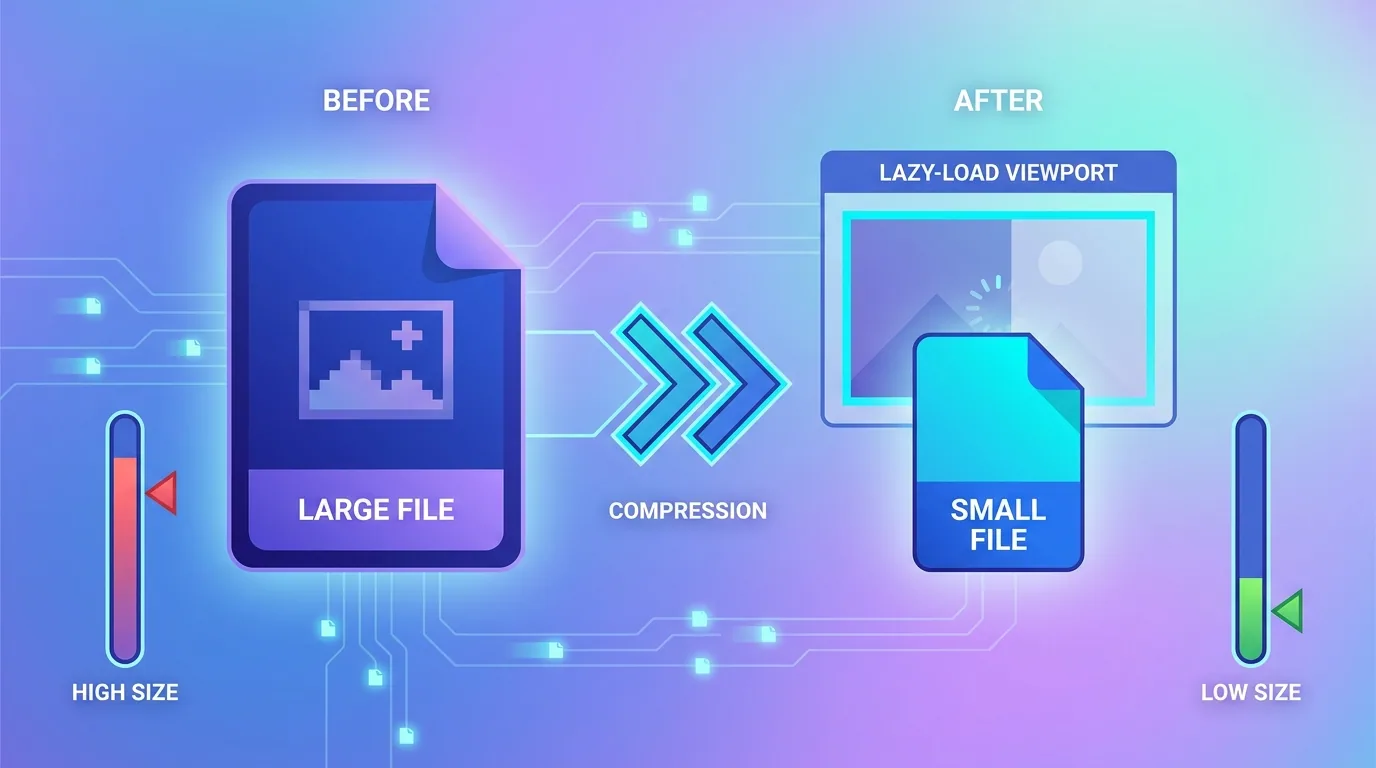
- Convert images to modern formats like WebP or AVIF — often 30–50% smaller than JPEG or PNG.
- Resize images to the actual dimensions they display at; do not ship a 4000px image into a 600px slot.
- Compress with quality settings tuned for the web, removing unnecessary metadata.
- Lazy-load below-the-fold images so they only load as the user scrolls.
- Set explicit width and height to prevent layout shift while images load.
How do you reduce JavaScript and third-party scripts?
After images, JavaScript is the most common drag — and the main cause of poor INP. Every script the browser must download, parse, and execute delays both rendering and interactivity. Third-party tags (chat widgets, analytics, ad scripts, A/B tools) are frequent culprits because they accumulate quietly over time.
- Audit and remove scripts you no longer use — old tracking and abandoned tools add up.
- Defer or async non-critical scripts so they do not block initial render.
- Lazy-load heavy widgets like chat and video embeds until the user needs them.
- Break up long JavaScript tasks so the main thread stays responsive to taps and clicks.
- Choose lighter libraries and avoid loading entire frameworks for small features.
This is where many marketing-heavy sites lose their speed: a stack of well-meaning tags slowly strangles performance. A disciplined approach to scripts is one of the clearest differences between a fast site and a sluggish one, and it directly protects your interaction responsiveness.
A useful habit is to treat every new script as a deliberate decision with a cost, not a free addition. Before adding another analytics tool, heatmap, or chat widget, ask whether it earns its weight in milliseconds. Many teams are surprised to find that two or three tags they no longer even look at are responsible for a noticeable chunk of their load time. Removing them is the rare optimisation that takes minutes and breaks nothing.
Does hosting and a CDN really make a difference?
Yes — your server's response time sets the floor for how fast anything else can be. Cheap, overcrowded shared hosting often adds hundreds of milliseconds before a single byte of content is sent. Upgrading hosting and adding a content delivery network (CDN) is one of the most reliable ways to make your website load faster everywhere in the world.

- Use a CDN to serve static assets from edge locations close to each visitor.
- Enable browser and server caching so repeat visits and shared assets load instantly.
- Choose hosting with fast response times and room to handle your traffic.
- Enable modern compression (Brotli or gzip) to shrink files in transit.
How does clean code and rendering speed things up?
Once images, scripts, and hosting are handled, the way your site is built becomes the difference between good and great. Render-blocking CSS, bloated page builders, and client-side-only rendering can all keep content from appearing quickly. Modern frameworks that support server-side rendering or static generation deliver content ready to paint.
The fastest request is the one you never make. Every byte, script, and round-trip you remove is permanent speed — and permanent speed is permanent trust.
— Aiden Brooks, Lead Web Engineer, Fryntavo
This is exactly why we build client sites on fast, modern foundations through our web development service, and why speed is baked into our SEO services rather than bolted on. Performance engineered from the start is far cheaper than performance retrofitted later.
Fonts deserve a special mention because they are an easy, overlooked win. Custom web fonts can block text from appearing and trigger layout shifts as they swap in. Limiting yourself to a couple of weights, self-hosting the files, preloading them, and using a sensible font-display strategy keeps your text readable instantly while everything else loads. It is a small change that meaningfully improves both perceived speed and visual stability.
How do you measure website speed correctly?
Measure with both lab and field tools, and trust the field data most. PageSpeed Insights shows you real-user Core Web Vitals alongside lab diagnostics, while WebPageTest and Lighthouse help you trace specific bottlenecks. Always test on a mid-range mobile device and a realistic connection, not just your fast office setup.
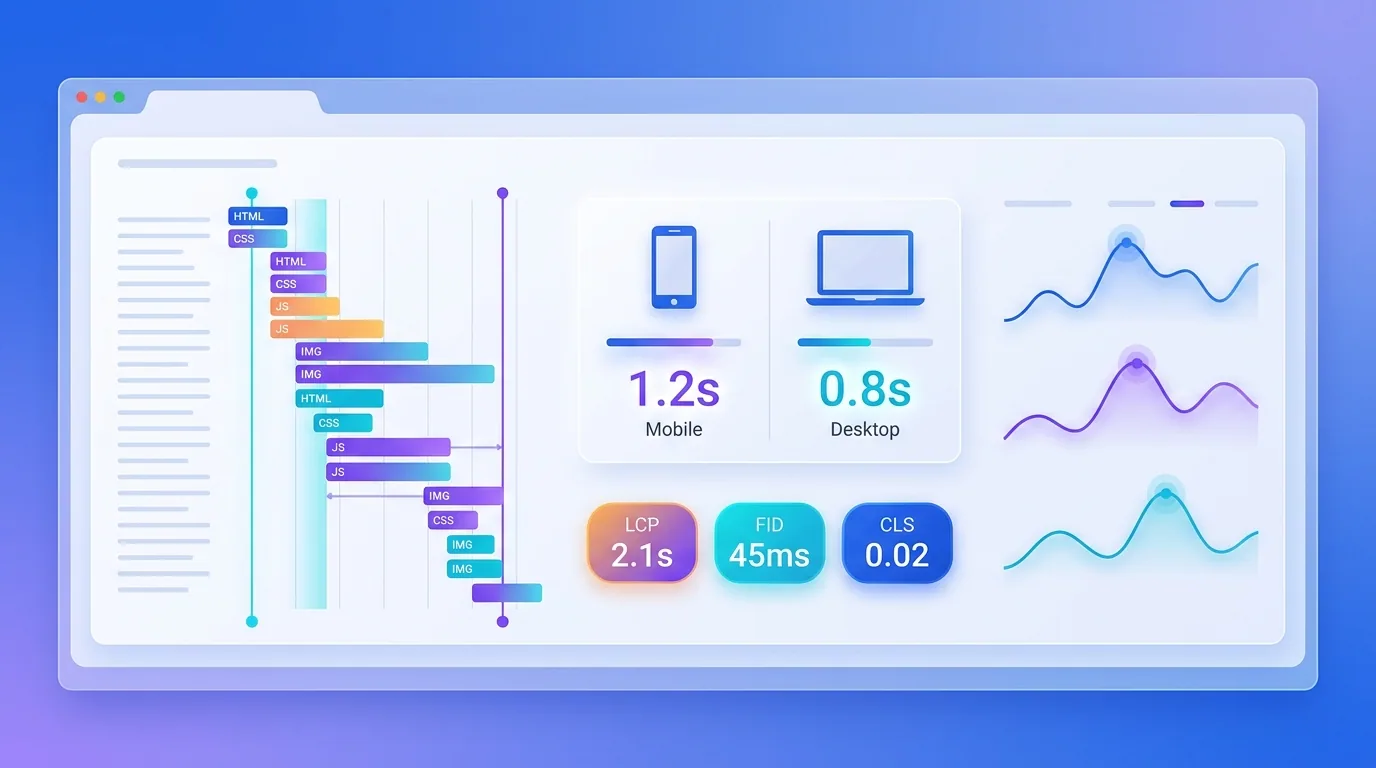
Your website speed action plan
Work top-down for the fastest results: optimise images first, then cut and defer JavaScript, then upgrade hosting and add a CDN, then refine your code and rendering. Re-measure after each change with field data so you can see the impact and prioritise the next fix. Speed is iterative, not a one-time switch.

Do this consistently and a slow, frustrating site becomes a fast, profitable one that ranks better, converts more, and stays eligible for AI search. Making your website load faster is one of the rare improvements that helps users, search engines, and revenue all at once.
Want a website that loads in the blink of an eye and ranks for it? Our engineers will audit your speed and fix what is slowing you down.
Get a Free Speed AuditFrequently asked questions
How can I make my website load faster?
Focus on four levers in order of impact: optimise and right-size images in modern formats like WebP or AVIF, reduce and defer JavaScript and third-party scripts, upgrade hosting and add a CDN, and clean up your code and rendering. Most slow sites improve dramatically by fixing images and scripts alone.
What is a good page load time in 2026?
Aim for a Largest Contentful Paint near 2.0 seconds, an Interaction to Next Paint under 200ms, and minimal layout shift. Practically, your main content should appear within about two seconds and the page should respond instantly to taps and clicks on a mid-range mobile device.
Why is my website so slow?
The most common causes are oversized images, too much JavaScript and too many third-party scripts, slow or overcrowded hosting, and render-blocking code. Running your site through a speed tool and looking at the largest resources usually reveals the main culprits quickly.
Do images really slow down a website?
Yes, images are typically the single biggest cause of slow pages. Serving oversized images in outdated formats and loading them all at once dramatically increases load time. Converting to WebP or AVIF, resizing, compressing, and lazy-loading often delivers the largest single speed gain.
Does hosting affect website speed?
Significantly. Your server's response time sets the floor for everything else, and cheap shared hosting can add hundreds of milliseconds before content even starts loading. Faster hosting, caching, and a CDN that serves content from locations near each visitor make a reliable difference worldwide.
How do I reduce JavaScript on my website?
Audit and remove unused scripts, defer or async non-critical scripts so they do not block rendering, lazy-load heavy widgets like chat and video, break up long tasks to keep the main thread responsive, and choose lighter libraries instead of loading entire frameworks for small features.
How do I test my website speed?
Use a mix of lab and field tools and trust field data most. PageSpeed Insights shows real-user Core Web Vitals with lab diagnostics, while WebPageTest and Lighthouse help trace bottlenecks. Always test on a mid-range mobile device and a realistic connection, not just your fast office setup.
Can Fryntavo make my website faster?
Yes. Fryntavo's web development and SEO teams audit your performance and fix the issues slowing you down, from images and scripts to hosting and code, so your site hits modern speed targets. Book a free speed audit to get started.
Ready to put this into action?
Fryntavo helps brands grow with web development, SEO, marketplace management, and AI automation. Book a free, no-obligation strategy call.
Book a Free Strategy Call