
Claude AI is the family of AI assistants built by Anthropic, and in 2026 businesses use it for far more than chat. Claude is known for strong reasoning, capable coding, long-context understanding, and agentic tool use — meaning it can connect to your systems and actually get work done. The practical question for most teams is simply: where does it pay off first?
This guide answers that with ten concrete Claude use cases we see delivering value across support, knowledge work, and engineering. None of them require ripping out your stack — Claude is designed to plug into the tools and data you already have, which is exactly how we build AI agents and AI workflows for clients.
What is Claude AI and what makes it useful for business?
Claude is Anthropic's assistant family, with current models including Claude Opus 4.8, Claude Sonnet 4.6, Claude Haiku 4.5, and Fable 5. The lineup lets you match the model to the job — a fast, economical model for high-volume tasks, and a more capable one for complex reasoning or long-horizon agentic work.
Three capabilities make Claude particularly business-ready. It handles long context, so it can reason over large documents and conversations without losing the thread. It supports tool use and function calling, so it can take actions rather than just describe them. And it speaks the Model Context Protocol (MCP), an open standard for connecting AI to your tools and data sources in a consistent way. Together, these turn Claude from a clever writer into a system that can read your real data, reason about it, and act on it.
That combination is why so many teams have moved past simple chat experiments. Strong reasoning means Claude can handle nuanced requests rather than only canned ones. Capable coding means it is genuinely useful to engineering teams, not just marketing. And long context means it can hold an entire policy manual, a lengthy contract, or a full support thread in mind at once — the kind of work that used to require painful chunking and stitching.
What are the best Claude AI use cases?
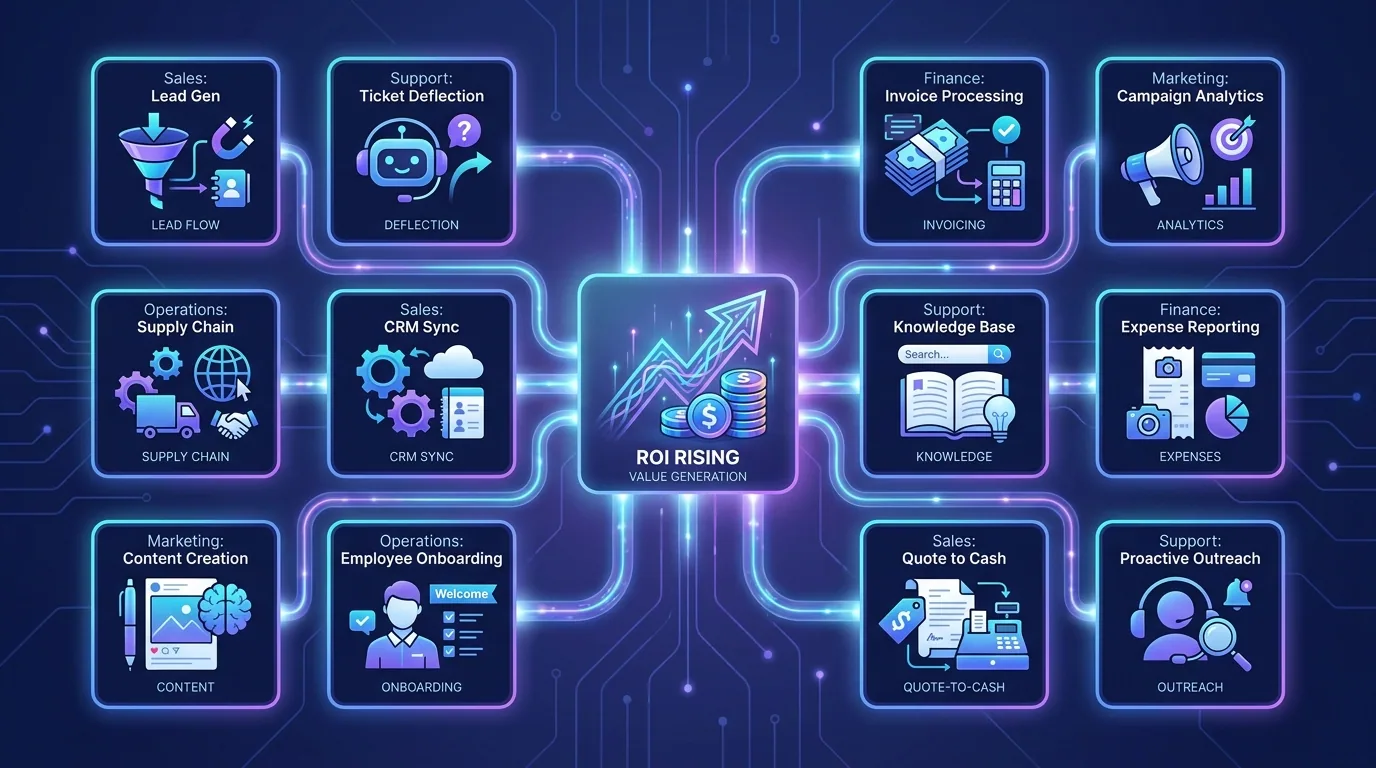
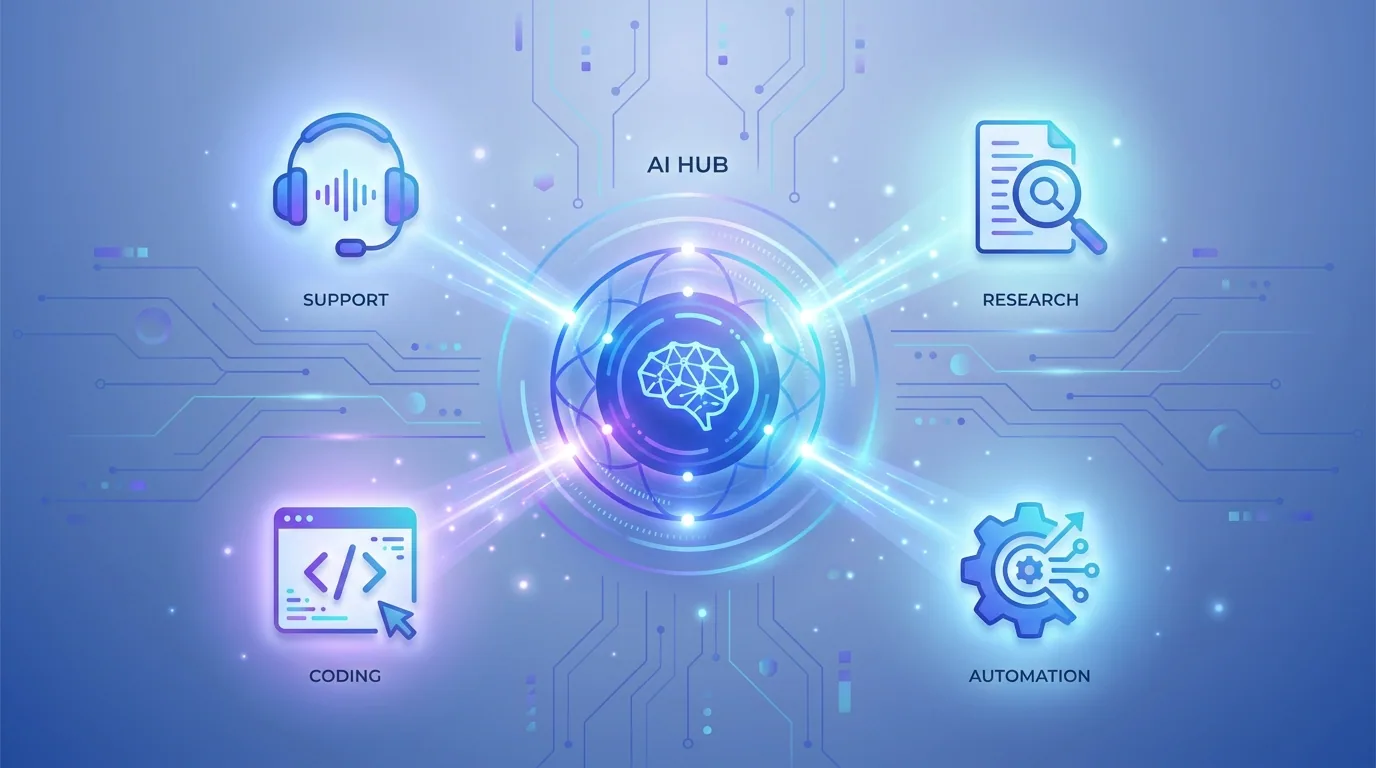
The most reliable use cases play to Claude's strengths: reading and synthesising, drafting, reasoning through problems, writing and reviewing code, and acting through tools. They tend to be tasks that are repetitive, time-consuming, and currently done by capable people who would rather be doing higher-value work. Here are ten that consistently earn their place.

- Customer support: draft accurate replies, summarise long ticket threads, and triage incoming requests before a human reviews them.
- Internal knowledge assistant: answer staff questions from your own documentation, policies, and wikis so people stop hunting through folders.
- Research and synthesis: read across reports, transcripts, and sources, then produce a structured, citable brief.
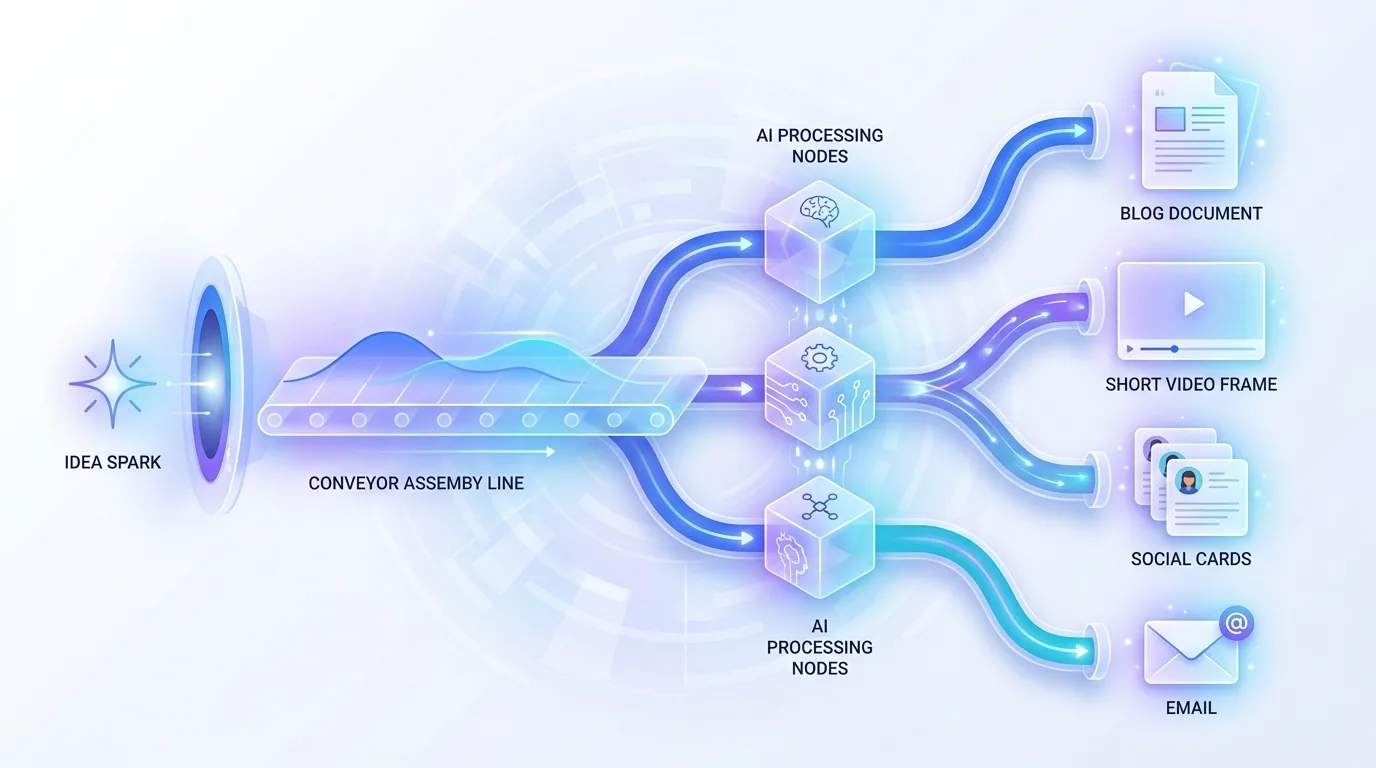
- Drafting and editing: generate first drafts of emails, proposals, and documentation, then tighten tone and clarity on request.
- Coding help: explain unfamiliar code, write functions, review pull requests, and suggest fixes for failing tests.
- Document analysis: extract key terms, obligations, or data points from long contracts and filings using long context.
- Meeting and call summaries: turn transcripts into action items, decisions, and follow-ups assigned to owners.
- Data Q&A: let non-technical staff ask plain-language questions of structured data through connected tools.
- Workflow automation: chain Claude into multi-step processes that move information between systems automatically.
- Quality and compliance review: check content, code, or responses against your standards before they go out.
How does Claude take action, not just answer?
The leap from "helpful answers" to "work done" comes from tool use and MCP. With tool use, Claude can call functions you define — query a database, send an email, update a record. With MCP, those connections follow an open, standardised format, so connecting Claude to your CRM, file store, or ticketing system becomes plug-and-play rather than a bespoke integration each time.
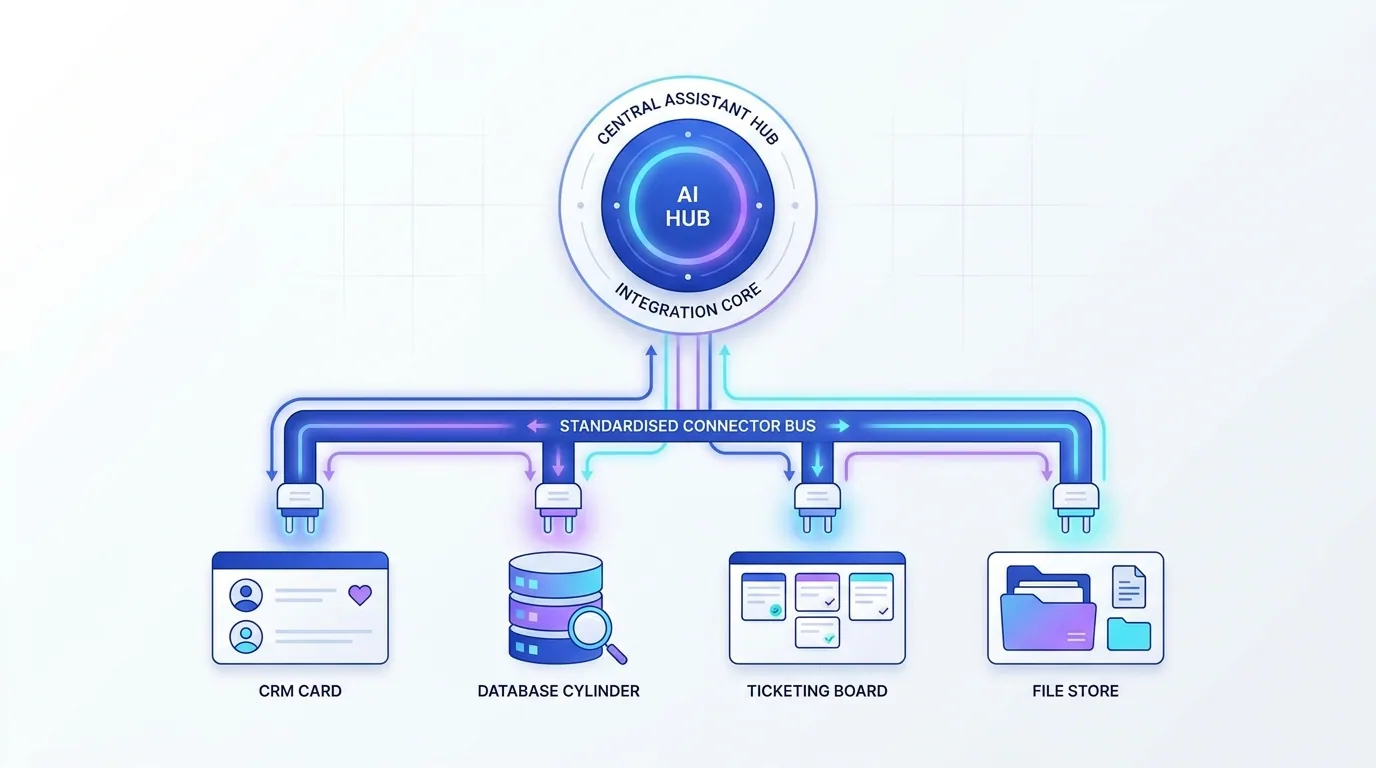
For software teams, Claude Code extends this further into developer and agent automation — using Claude to read a codebase, make changes, run commands, and drive engineering tasks. The same agentic foundation that powers a support assistant can power a coding agent; only the tools and guardrails differ. This is the practical bridge between "Claude can write code in a chat window" and "Claude can work inside our actual repository," and it is where a lot of the productivity gains for technical teams now come from.
Which Claude model should you choose?
Because Claude comes as a family rather than a single model, you can tune the cost-to-capability tradeoff per task instead of overpaying everywhere. A high-volume, latency-sensitive job — classifying or triaging thousands of tickets a day — is a natural fit for a fast, economical model like Claude Haiku 4.5. A nuanced reasoning task, a deep research synthesis, or a long-running agent that has to plan across many steps is where a more capable model such as Claude Opus 4.8 or Fable 5 earns its cost.
In practice we often combine models in one system: a fast model handles the routing and the easy cases, and a stronger model is reserved for the hard ones. This keeps quality high where it matters while keeping the overall bill sensible, and it is far better than forcing every task through a single model and hoping the economics work out.
How should a business adopt Claude responsibly?
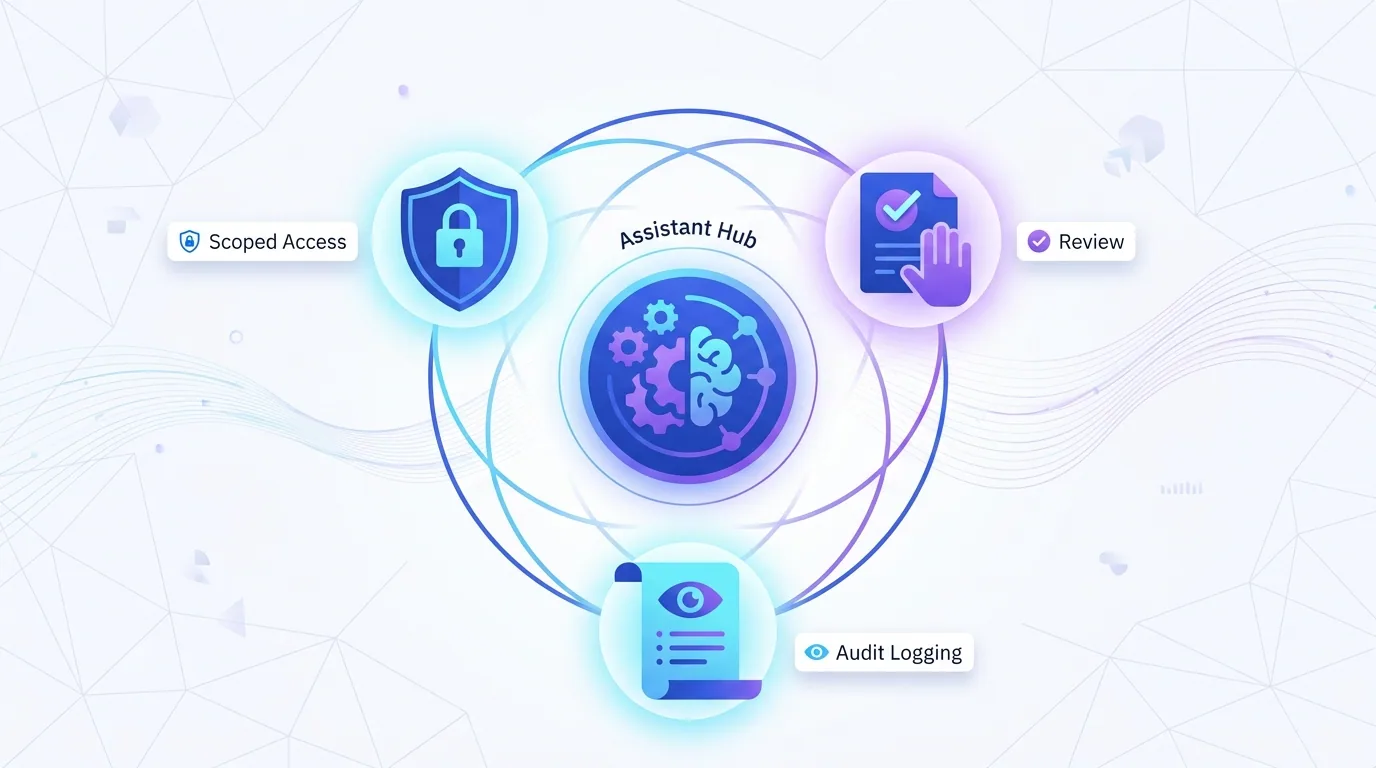
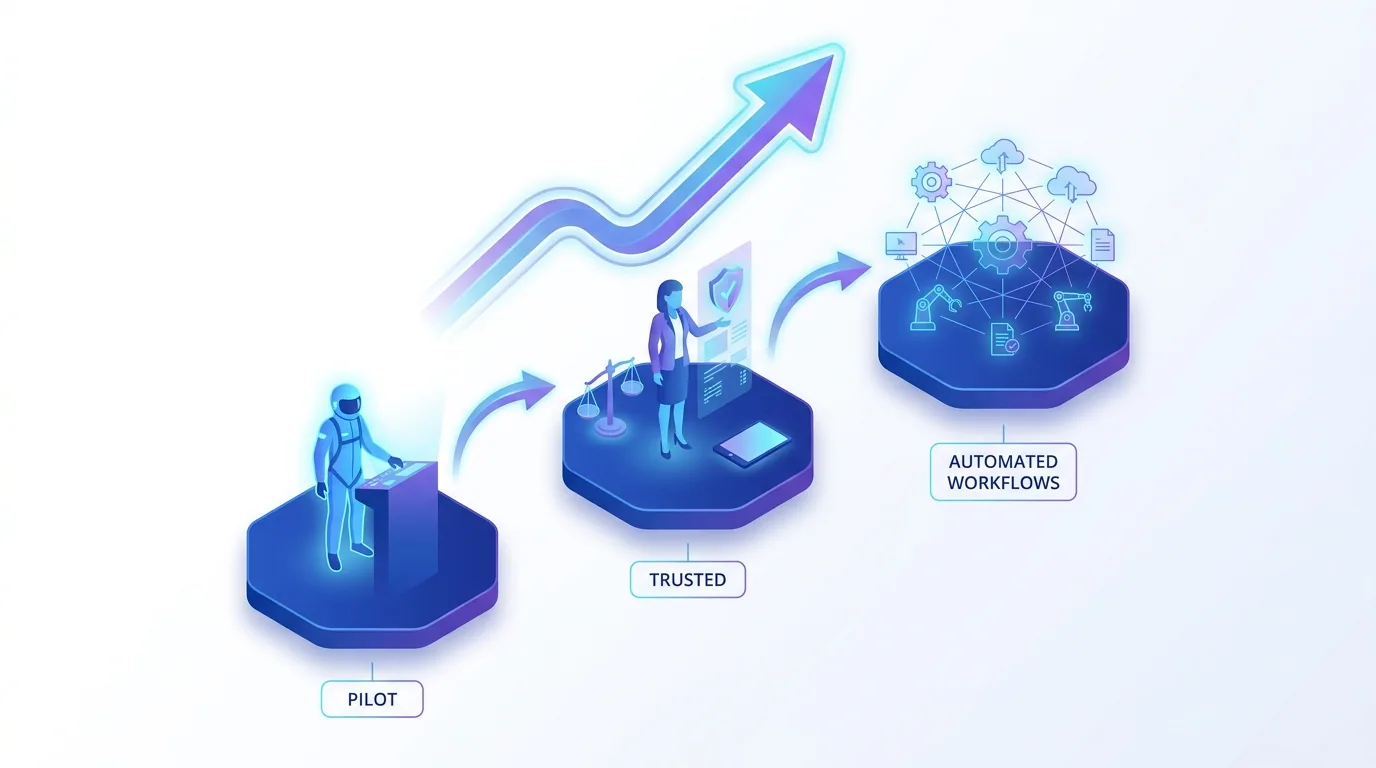
Treat Claude like a capable new team member: start with a clear, scoped job, keep a human reviewing important outputs, and expand its responsibilities as it proves reliable. Give it access only to the tools and data a given task genuinely needs, and log what it does so you can audit and improve.
The teams that win with Claude don't deploy it everywhere at once. They pick one workflow, get it genuinely good, and let trust compound from there.
— Priya Nair, AI Solutions Architect, Fryntavo
Where should you start with Claude AI?
Pick the use case with the most repetitive, well-understood work and the clearest definition of success. Customer support triage and internal knowledge assistants are popular first projects because the value is immediate and the risk is contained. Prove the workflow on a small scale, measure time saved and accuracy, then widen from there.
Whether you want a support assistant, a knowledge bot, or a full agentic workflow, the pattern is the same: clear goal, the right model, safe tool access, and steady measurement. That is precisely how we help businesses turn Claude from an interesting demo into dependable AI workflows.
Want to put Claude AI to work on a real business problem? We'll help you choose the right use case and build it with the right model, tools, and guardrails.
Start with Claude AIFrequently asked questions
What is Claude AI?
Claude is the family of AI assistants built by Anthropic. It is known for strong reasoning, capable coding, long-context understanding, and agentic tool use, which lets it connect to systems and complete tasks rather than only generating text.
Which Claude models are available?
Current Claude models include Claude Opus 4.8, Claude Sonnet 4.6, Claude Haiku 4.5, and Fable 5. The range lets businesses match a fast, economical model to high-volume tasks and a more capable model to complex reasoning or long agentic work.
What are the best Claude AI use cases for business?
Strong use cases include customer support, internal knowledge assistants, research and synthesis, drafting and editing, coding help, document analysis, meeting summaries, data Q&A, workflow automation, and quality or compliance review. They play to Claude's reasoning, long context, and tool use.
How does Claude connect to my business tools?
Claude supports tool use and function calling, and it speaks the Model Context Protocol (MCP), an open standard for connecting AI to tools and data sources. This makes integrating Claude with systems like a CRM, file store, or ticketing tool more standardised and reusable.
What is Claude Code?
Claude Code is Anthropic's offering for developer and agent automation. It lets Claude work directly with code and engineering tasks — reading a codebase, making changes, and running commands — using the same agentic, tool-driven foundation that powers other Claude agents.
Is Claude AI suitable for customer support?
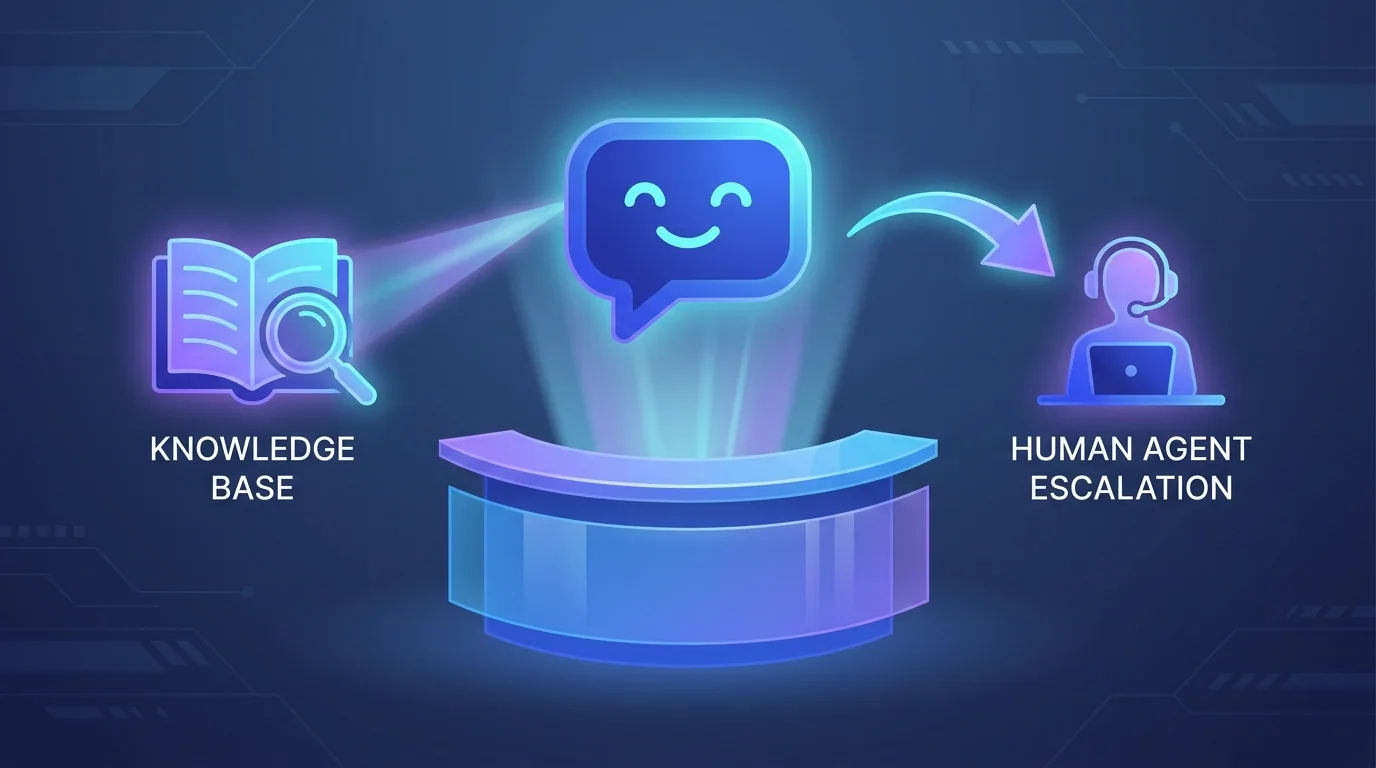
Yes. Claude can draft accurate replies, summarise long ticket threads, and triage incoming requests before a human reviews them. Pairing it with your knowledge base and a human-in-the-loop review process makes it a strong fit for support workflows.
How should a business start using Claude AI?
Begin with one repetitive, well-understood workflow that has a clear definition of success, such as support triage or an internal knowledge assistant. Keep a human reviewing important outputs, give Claude access only to the tools it needs, measure results, and expand from there.
Can Fryntavo help us implement Claude AI?
Yes. Fryntavo helps you select the right use case and Claude model, connects it to your tools safely, and builds the workflow or agent with appropriate guardrails. We start with a focused pilot and scale as it proves its value. Book a call to get started.
Ready to put this into action?
Fryntavo helps brands grow with web development, SEO, marketplace management, and AI automation. Book a free, no-obligation strategy call.
Book a Free Strategy Call